Gamify the Experience: How Space Designer 3D Makes Floor Planning Interactive
Gamification is not just a marketing trend. When applied to floor plan design, it changes how people explore spaces, engage with products, and make decisions. Here is how Space Designer 3D applies it.
Gamification is the application of game mechanics to contexts that are not games. Points, progress indicators, real-time feedback, and interactivity are borrowed from game design to increase engagement in other domains. Applied to floor plan design, gamification transforms a traditionally passive or technical process into an active, exploratory experience.
Space Designer 3D is a browser-based floor plan tool that has incorporated gamification principles into its core design. This article explains what that means in practice, why it matters for businesses, and how it translates into measurable engagement outcomes.
What Gamification Means in Floor Plan Design
In most traditional approaches, a user uploads a floor plan, selects furniture from a dropdown list, and sees a static result. There is no feedback loop, no sense of progress, and no reason to keep exploring.
Space Designer 3D takes a different approach. The tool is built around freehand drawing, real-time 3D rendering, and interactive exploration. As users draw walls, the 3D view updates instantly. As they place furniture, they can rotate it, resize it, and walk through the space in a first-person view. The experience is immediate and responsive.
This immediacy is the core of gamification in design: every action produces a visible result, which encourages the next action. Users do not read documentation or follow tutorials. They explore.
Gamification Techniques in Space Designer 3D
| Technique | Implementation | User effect |
|---|---|---|
| Freehand drawing | Walls drawn like a sketch, no grid required | Low barrier to start, immediate sense of agency |
| Real-time 3D | 2D plan updates as a 3D view instantly | Instant visual feedback on every decision |
| First-person walk-through | Navigate inside the designed space | Spatial understanding, emotional connection to the result |
| Furniture catalog | 5,000+ real-sized items to place and adjust | Exploration and discovery, not just selection |
| Natural light simulation | Enter real address, simulate sunlight by time of day | Personalization, investment in the outcome |
| Free to start | No account required to begin drawing | No friction at entry, encourages experimentation |
| Save and share | Export plans, share with others | Social proof, external validation |
Why This Matters for Businesses
Businesses that integrate Space Designer 3D into their customer journey benefit from the same mechanics. When customers can visualize your products or spaces in a floor plan they have built themselves, the engagement is qualitatively different from browsing a catalog.
Three areas where this produces measurable outcomes:
Time on site and return visits. An interactive tool gives users a reason to stay and come back. A user who has started a floor plan has invested time and creative effort. That investment increases return visit rates.
Lead quality. Users who engage with a configurator or planning tool self-qualify. They have already imagined themselves in the space or with the product. By the time they contact a sales team or submit a request, they are further along the decision process.
Data collection. Every interaction in a planning tool generates behavioral data. What furniture categories are explored, which room types are drawn, how long users spend on specific decisions. This data is useful for product development, merchandising, and targeting.
Space Designer 3D is used by businesses in real estate, retail furniture, interior design, and hospitality. In each case, the integration of a 3D floor plan tool into the customer journey reduces the gap between inspiration and decision.
The Business Case for Interactive 3D Planning
The underlying argument for gamification in floor plan tools is not about novelty. It is about the nature of spatial decisions.
Buying furniture, configuring a room, choosing a property, or planning a renovation are all high-investment decisions. They require the buyer to mentally simulate an outcome that does not yet exist. Static images, 2D plans, and text descriptions all require the buyer to do that simulation work themselves.
An interactive 3D tool does that simulation work for the user. It reduces cognitive load, decreases uncertainty, and speeds up the decision-making process. For businesses, this means fewer abandoned journeys and more confident customers.
The free drawing approach in Space Designer 3D reinforces this. Because users draw their own space rather than selecting a preset template, the result is specific to their actual situation. That specificity increases confidence in the outcome.
How to Integrate Space Designer 3D
Space Designer 3D is available as a fully branded solution for businesses that want to embed the tool into their own platform. The integration can be customized to the specific context, from a real estate agency embedding a floor plan configurator on property listings to a furniture retailer offering a room planner on product pages.
The tool runs in-browser with no download required. Users can access it on any device, which removes a significant barrier in mobile-heavy contexts.
Highly rated on Trustpilot.
Learn More About Space Designer 3D for Businesses
Frequently Asked Questions
What Is Gamification in the Context of Floor Plan Design?
Gamification in floor plan design means applying game mechanics, such as real-time feedback, interactive exploration, and visible progress, to the process of designing a space. Rather than filling out a form or selecting from a static list, users draw, place, and adjust elements in a tool that responds immediately to their actions. The result is a more engaging and intuitive experience.
How Does Space Designer 3D Use Gamification?
Space Designer 3D uses freehand wall drawing, real-time 3D rendering, first-person navigation, and a large furniture catalog to create an exploratory design experience. Every action produces an instant visual result, which encourages continued interaction. Natural light simulation and free access without registration further reduce friction and increase engagement.
What Types of Businesses Can Benefit from Integrating Space Designer 3D?
Space Designer 3D is used by businesses in real estate, retail furniture, interior design, hospitality, and construction. Any business where customers need to visualize a space or make spatial decisions can benefit from an interactive 3D planning tool.
Does Space Designer 3D Require a Download or Account to Use?
No download is required. The tool runs entirely in the browser. Users can start drawing immediately without creating an account, which reduces the friction at entry and increases the likelihood of first engagement.
What Data Can Businesses Collect Through Space Designer 3D?
Integration of Space Designer 3D generates behavioral data about how users interact with the tool: which room types they draw, which furniture categories they explore, how long they spend on specific decisions, and at what point they exit or complete a project. This data can inform product development, merchandising, and marketing targeting.
How Does Interactive 3D Design Improve the Customer Decision Process?
Spatial decisions, such as buying furniture or choosing a property, require buyers to mentally simulate an outcome that does not yet exist. An interactive 3D tool does that simulation for them, reducing cognitive load and uncertainty. Users who have visualized a space in a personalized floor plan are more confident in their decision and less likely to abandon the process.
More from the Blog
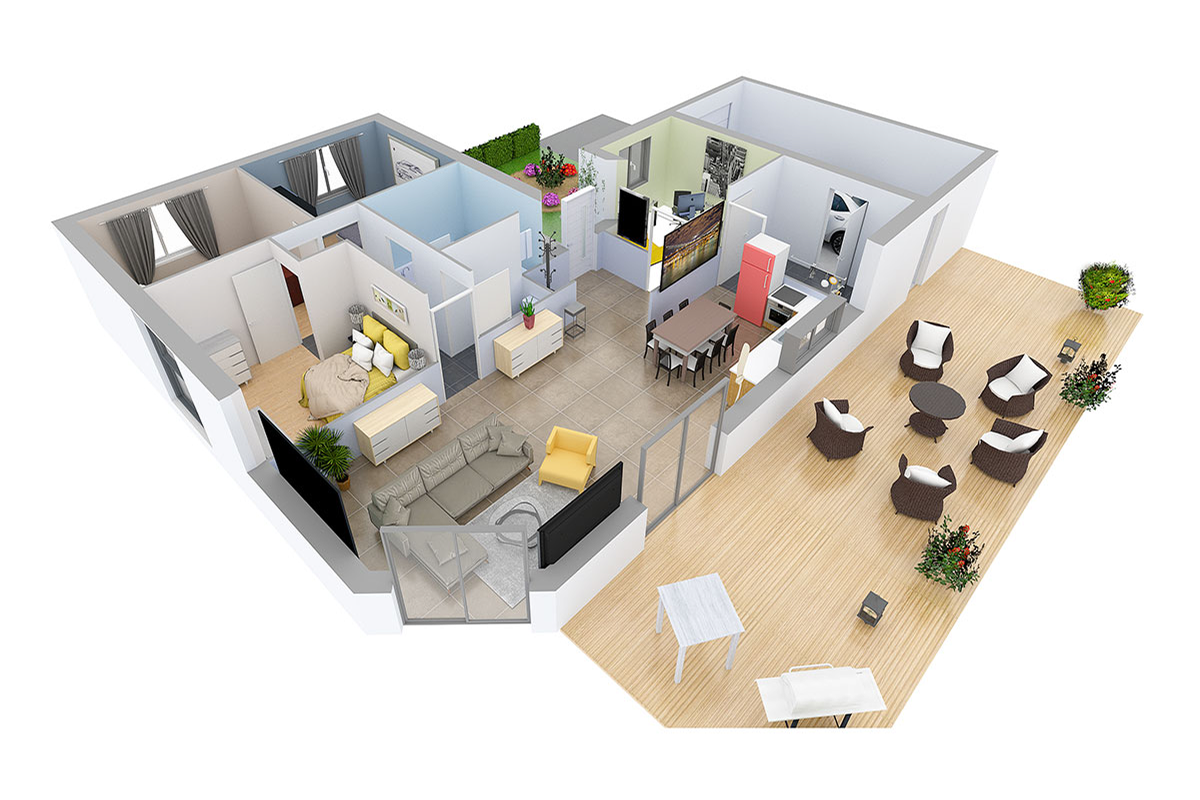
Space Designer 3D Turns 16: A Look Back at Its 5 Versions
In May 2026, Space Designer 3D turns 16. A look back at how the platform evolved, from the first room ever drawn in a web browser in 2010 to today's multi-device, AI-augmented edition.
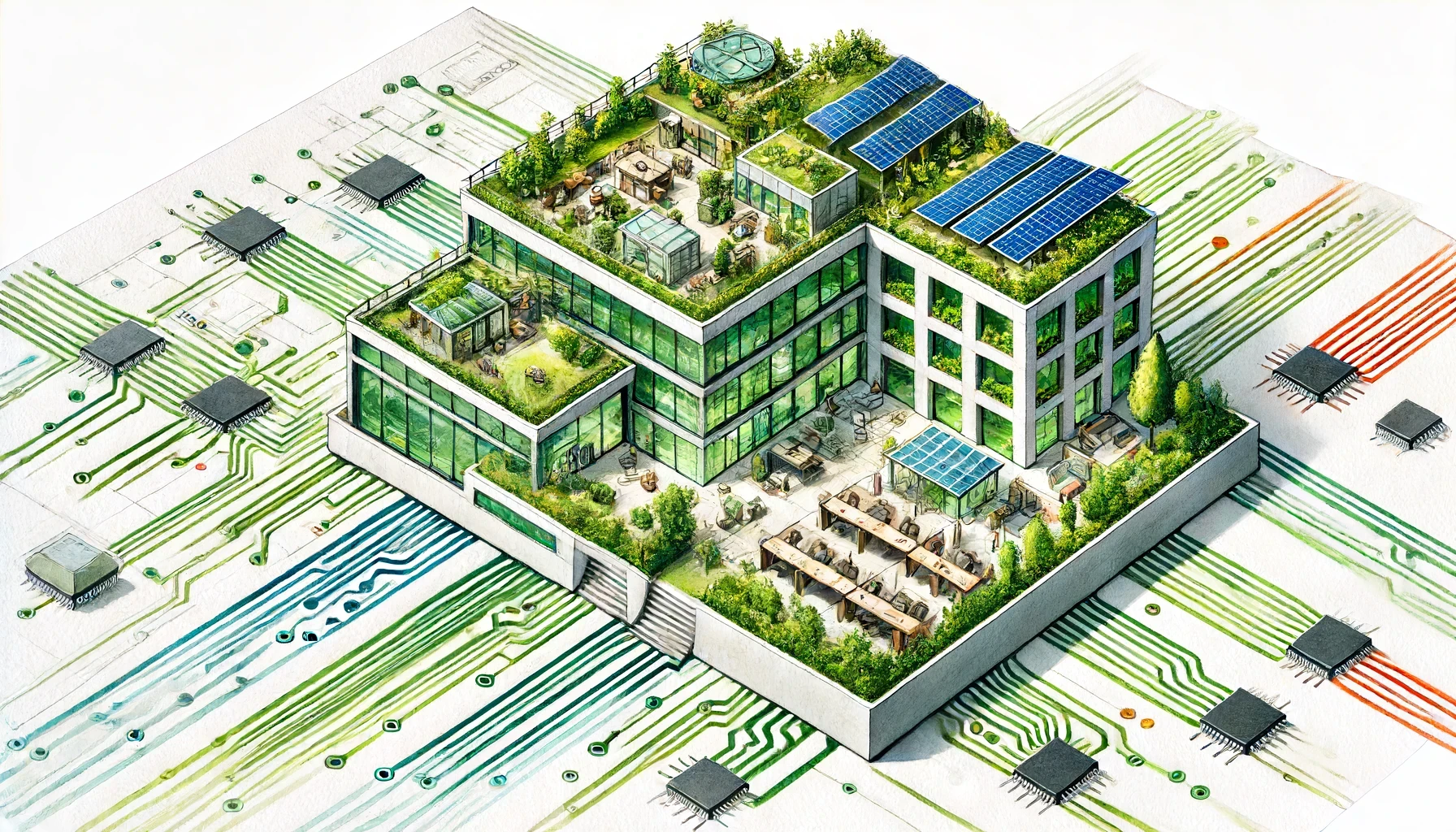
AI-Powered Workspace Design: Smarter Office Layouts
AI is changing how offices are designed and managed. Here is a practical look at the tools and methods reshaping workspace planning, and how to test layouts before committing to them.
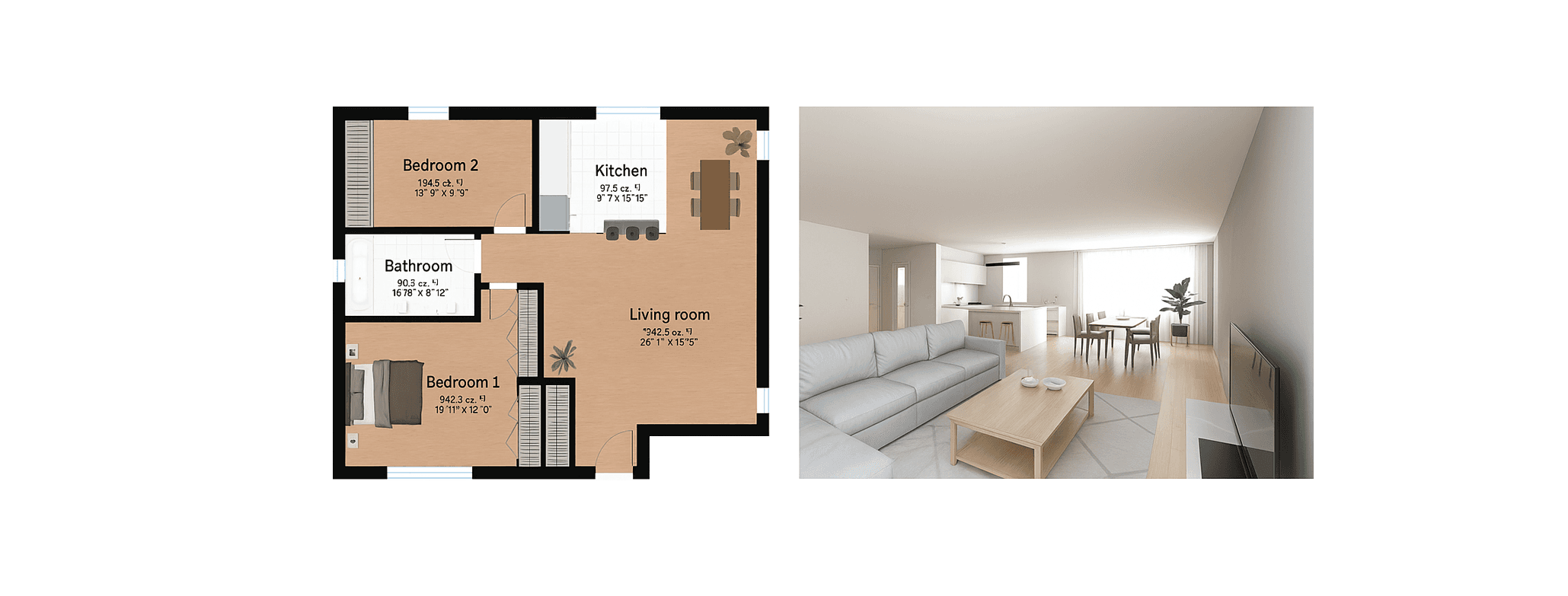
Best Floor Plan Software in 2026: 7 Tools Compared
Looking for the best online floor plan software? We compared 7 tools side by side: features, pricing, 3D quality, and ease of use. Find the right one for your project.
Design Your Floor Plan in 3D
Join 6M+ users. Draw floor plans, furnish rooms, and visualize them in 3D directly in your browser.