Steps and Arrows
A step is a place where something happens. An arrow is the move from one step to the next. Between them they are the whole vocabulary of a process, and each has a panel.
A step
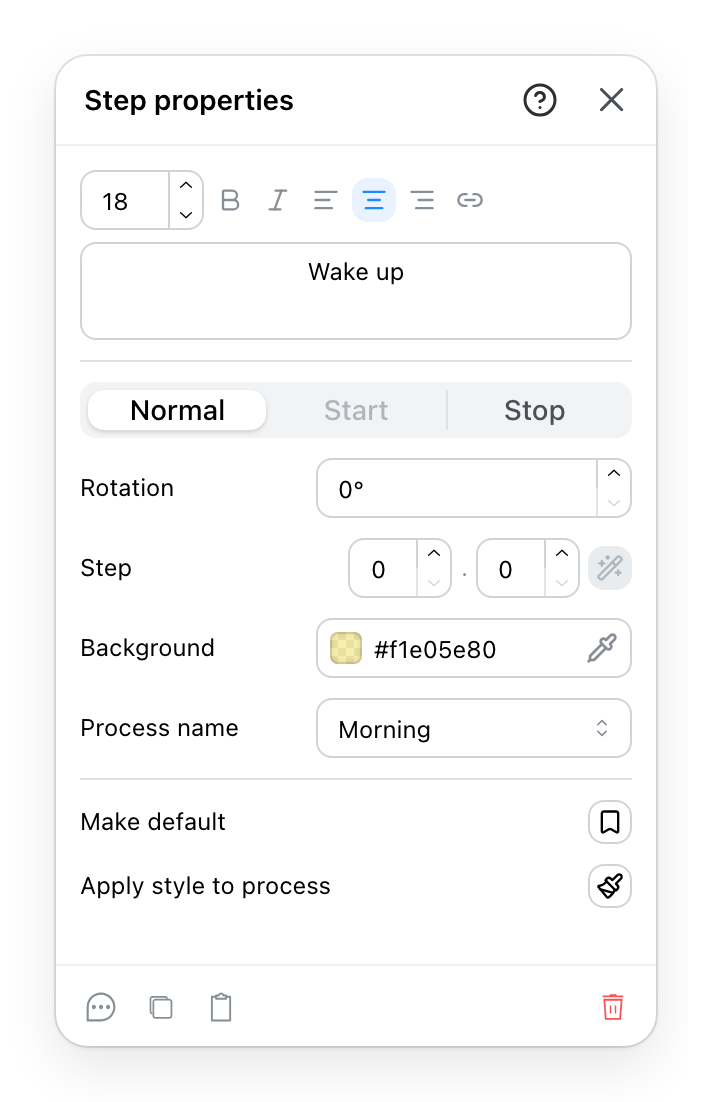
- What happens here, in the words the plan will show. It is the label people read, so write it as a task rather than a machine.
- Where this step sits in the chain: normal, start or stop. A flow needs one beginning, and this is what marks it. A step in the middle of a chain cannot be a start or a stop.
- The background of the step. Set on the step and not on the process, so one of them can be made to stand out from its neighbours. A start or a stop has a fixed fill and no background to set.
- Which process the step belongs to, or none at all. An unassigned step is drawn and counted by nobody, which is what the explicit none is for. When steps linked to this one belong to another process, a button below offers to give them this one, and says how many it will change.
- Pushes this step's look, text and background, onto every step of its process, across every level of the version. The control that saves doing forty of them by hand.
Two more rows sit between the second and the third. The rotation turns the step on the plan. The step number is the one its badge shows on the plan, 2.1 for instance. The wand beside it numbers the whole chain from its start step; without a start step it stays greyed. The row above the last one makes this step's look the one the next step drawn takes.
A step can be moved from one process to another at any time, and it takes nothing with it: the arrows into and out of it stay where they are.
An arrow
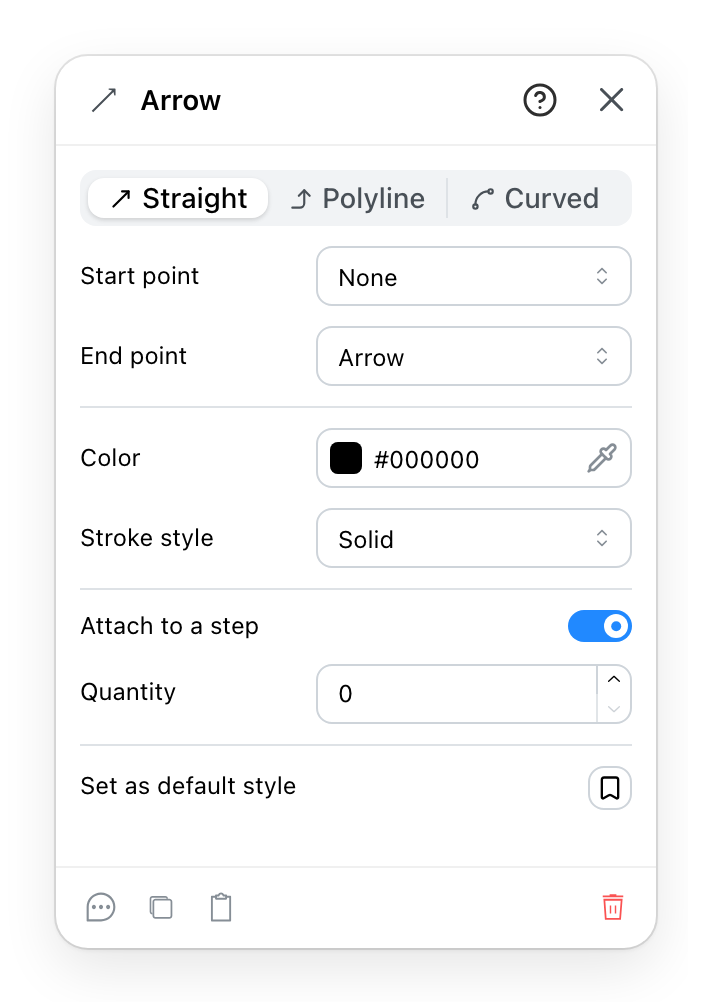
- How the line travels between its ends: straight across, through the corners you place, or curved between them.
- What sits on each end. One of the shapes on offer is nothing at all, which is how a line with a single head is made.
- Colour, thickness and dashes. On a printed plan the dashes carry further than the colour. Thickness is not offered while you work in the 2D plan.
- Ties the arrow to a step so the two move together. An arrow left unattached is an annotation rather than part of a flow.
- How many things travel this way. Nothing on the plan draws it; it comes out in the report, which is the whole reason it is here.
The last row makes this arrow's look the one the next arrow drawn takes.
The same panel serves the plain annotation arrow, which points at things and belongs to no process. The quantity is the difference: an annotation arrow does not have one and is not offered one.
Both panels end with a note, a duplicate, a copy to the clipboard and a delete.