
Space Designer 3D vs. Giants of Floor Planning: Full Comparison
Space Designer 3D compared side by side with Homestyler, HomeByMe, Floorplanner, Planner 5D, and Archilogic. A technical deep-dive covering interface, visualization modes, lighting, editing tools, furniture catalog, rendering, and integration options.
Space Designer is an online architectural space planning application. Made for both professionals and amateurs, it lets users virtually inhabit a 3D world of their creation. More than a visualization tool, it aims to improve the overall quality of an architectural project.
In this article, we will compare Space Designer 3D to its direct competitors to define a roadmap of improvements.
Each application featured in this comparison is cloud-based and implements the following features:
- Short learning curves adapted to the general public
- Built-in floor planning tools (walls, openings, etc.)
- Built-in home furniture catalog
- 2D and 3D real-time visualizations
Missing at least one of the features listed above, SketchUp, IKEA Home Planner, and Sweet Home 3D are not part of this comparison.
Software Interface

The first impression counts a lot, and incomprehension creates discomfort. The secret behind a great user interface, made for the general public, is to be very simple. The advanced features can gradually be revealed to the seasoned user. That is the main strategy adopted by all compared applications.
The second challenge is to resolve the problem of media diversity where the application interface is used. Not only the size of the screen, but the user interaction modes: we do not interact the same way with a mouse, our fingers, or a stylus.
With their new versions, Homestyler, HomeByMe, and Planner 5D's interfaces are accessible on tablets and computers. Although they work (hardly) on tablets, they were designed for conventional computer users. On the other hand, Archilogic is more mobile-oriented, but lacks too many features.
Assuming the cost challenge, Asynth is currently assessing technologies to generate modular interfaces ensuring at least three types of use: a fast and clean visualization interface for mobiles, a simplified interface with basic editing tools designed for finger interaction, and a complete interface with advanced design tools for desktop computers.
2D and 3D Visualization Modes

The floor plan is a simplified outline drawing of walls and furniture seen from above. It is the most objective graphical representation type. The spatial organization of the architectural project is understandable at a glance. This view is used for drawing the walls and openings, and easily placing furniture.
The first person view in 3D gives a glimpse of what your project would look like in real life. It has a strong subjective value: it all depends on the point of view, and puts the emphasis on ambiance and emotion. This view is also used to assign colors and materials to the walls, floors, and ceilings. It enables final adjustments to an architectural space initially drawn in 2D.
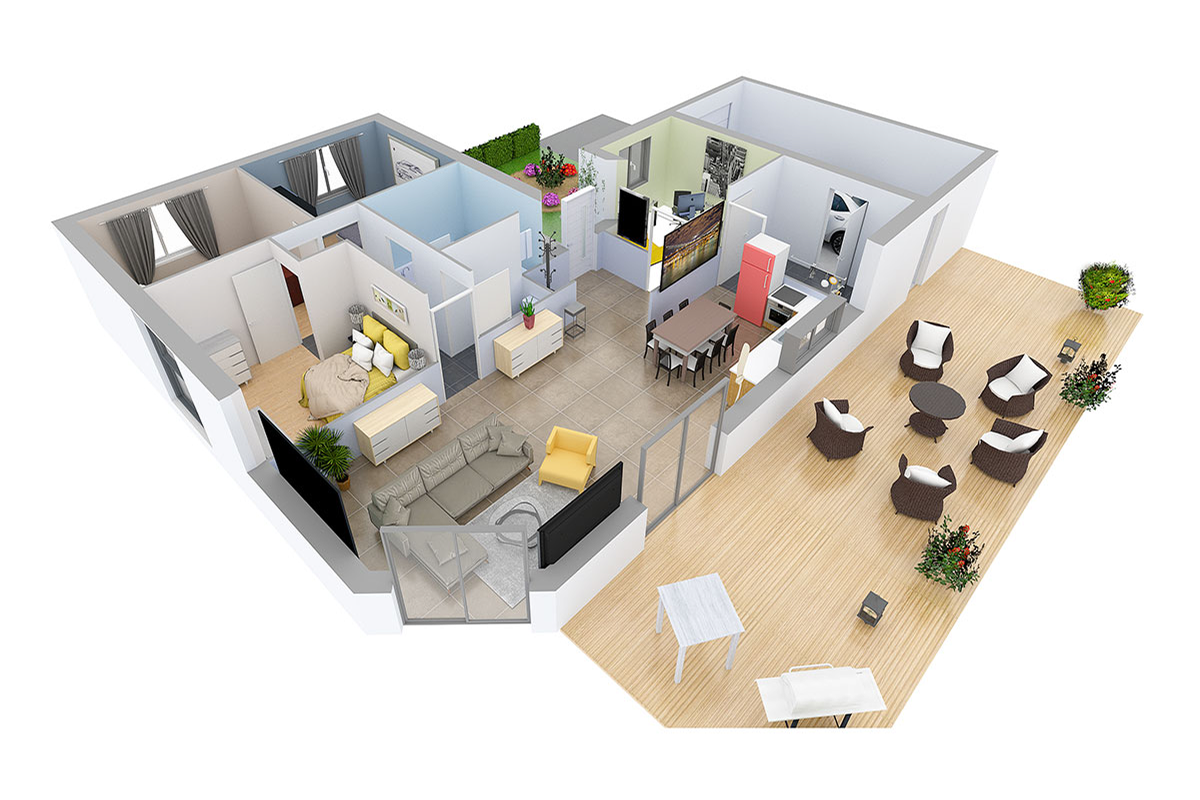
Bird's-eye view combines 2D floor plan objectivity and the emotional aspects of 3D representation, making it the users' favorite view. You can switch between these views on any plan, like this two-bedroom apartment with open-concept living.

3D Real-time Visualization

To quote Le Corbusier, "Our eyes are made to see forms in light; light and shade reveal these forms." We believe that lighting and shadows are essential to appreciate the architectural space. Besides, they are the most difficult parameters to reproduce in a virtual environment.
Let's demystify several lighting techniques and how each compared software composes them to achieve the level of realism needed by the end user.
Drop shadows are the result of direct light sources, such as the sun coming through the window. They are relatively easy to calculate in real time and very useful, as they add depth and contrast to the final rendering. The majority of the compared applications have been making use of this technique since their first releases.
Global illumination raises the challenge of "realism" higher by taking into account the reflection between every surface of the scene. Currently, only Floorplanner dares to offer a quick approximation of this technique.
Light baking is one way to work around the global illumination problem: pre-calculate and save the light data into textures. This method increases the 3D item production and online data transfer times, but it provides extra quality. Space Designer 3D, Homestyler, and very recently HomeByMe have adopted this technique.
Fake shadows, only used by Homestyler, consist of a horizontal dark gradient plane placed under each 3D object to simulate shadow occlusion. While this technique is easy to implement, the final result can be quite incoherent in many situations.
We know that for the end user, one of the most important things is realism, which is mainly provided through a good illumination strategy. At Space Designer 3D labs, we are looking for efficient ways to implement innovative lighting techniques such as real-time path tracing to surpass end user expectations.
Editing Features

What is the best way to design an architectural project: draw and align the rooms one by one, or start by drawing exterior walls and subdivide the interior volume with partitions?
Essentially, when designing an architectural project, do we think in terms of volumes, or boundaries?
One thing is sure: there is no one right way to design architectural space. It depends on the project and the designer. The ideal architectural application must allow its users to express themselves freely without imposing "a way of doing."
Most online floor planning applications put the emphasis on their visualization modes rather than their drawing features. The majority of them are designed to create simple projects composed of a few rectangular rooms. Because most users are satisfied by "four walls and a good catalog of furniture," they never thought they could go any further in their design.
However, as a software created by architects, this is certainly not the vision of Space Designer 3D. More than just a visualization tool, it also aims to improve the overall quality of an architectural project with adapted built-in tools.
The comparison tables below list what we could do up to this point. Our initial challenge was to make rather technical features appear simple and useful for users. But we certainly will not stop there. We will let users express themselves with an increasingly rich geometric vocabulary, while keeping the inherent simplicity of the application.


Resistance is futile; we will convert all of you into amazing space designers.
Furniture Catalog

Notes:
- Impossible with brands
- Highlights item in red but does not constrain the user
- Optional
- Rotates furniture when it is near a wall
- Cannot search for an item, only by category
For many users, architectural design means decorating the space with furniture and assigning materials to surfaces. The furniture and material catalog has significant importance. It should be generous enough to respond to diverse needs and styles. This car lover house with an indoor garage display shows how far furnishing and materials can be pushed.
To better meet the needs of users regarding diversification, most applications provide a substantial number of items. They also offer various customization settings, such as changing colors and sizes. Space Designer 3D pushes the limits of customization by offering a substantial number of parameters.
Photorealistic Rendering

Today, even in design agencies, creating a photorealistic image from a 3D drawing is a precious skill.
HomeStyler and Floorplanner use a conventional rendering technique called ray tracing, which requires a lot of tweaking for indirect light approximations to reach a good level of realism. Still, both applications generate very satisfactory results.
On the other hand, path tracers are easy to configure and always give life-like results. They can take up to five times longer for the same level of quality. Planner 5D, Space Designer 3D, and HomeByMe use this technique.
Unlike the others, Space Designer 3D uses the user's computer to create the rendering, instead of a distant render farm. This way, we reduce not only the cost per image but also the average time to completion because there is no queuing system. Finally, we produce a preview in seconds, allowing the user to make final adjustments faster. You can see the rendering quality in finished projects like this Arts and Crafts ranch-style home.
Embedding and Integration Options

Floor planning tools are not only used by individuals who want to see their project without sharing it. Space Designer 3D, HomeByMe, Planner 5D, and Archilogic can be integrated into a website. However, Space Designer 3D and Planner 5D only offer a simplified interface with editing options.
Space Designer 3D, HomeByMe, and Floorplanner provide custom branding features for professionals who would like to add a floor planning software to their business. Space Designer 3D also has a plugin for e-commerce platforms.
Sharing Options

Website Features
While most software applications include a gallery and a help section, Space Designer 3D is the only one to provide chat support directly from its staff. Floorplanner and Planner 5D have a forum linked to their website where users can ask their unanswered questions.
Conclusion
Over the last five years, we have developed our technology to exceed global standards for online 3D visualization. Our aim is to move ahead of our competitors by redefining the rules of online architectural conception and promotion. Here is our roadmap:
- Overcome technological barriers regarding ergonomy, performance, and rendering quality.
- Offer architectural design tools that adapt to different end user needs.
- Establish the first online real-time collaboration platform to connect end users and professionals (architects and designers).
- Fast acquisition: recognition and reconstruction of floor plans from photos and drawings into online ready-to-view projects with the lowest possible costs.
- Simplified integration with online real estate market leaders to attract more people.
If you have any questions or suggestions, feel free to contact us.
More from the Blog

The 2D/3D Floor Plan: From Deliverable to “Strategic Data”
Long seen as a simple appendix to the inspection report, the floor plan is changing status thanks to 2D/3D. As the technology matures, it is becoming strategic data that can improve inspection quality, create new uses, and support the building well beyond the inspector's assignment.
Space Designer 3D Turns 16: A Look Back at Its 5 Versions
In May 2026, Space Designer 3D turns 16. A look back at how the platform evolved, from the first room ever drawn in a web browser in 2010 to today's multi-device, AI-augmented edition.
AI-Powered Workspace Design: Smarter Office Layouts
AI is changing how offices are designed and managed. Here is a practical look at the tools and methods reshaping workspace planning, and how to test layouts before committing to them.
Design Your Floor Plan in 3D
Join 6M+ users. Draw floor plans, furnish rooms, and visualize them in 3D directly in your browser.