
Best Kozikaza Alternative: Free Floor Plan Software (2026)
Kozikaza has permanently closed and now redirects to Leroy Merlin. Discover Space Designer 3D, the alternative to keep designing your 2D/3D floor plans directly in your browser.
Looking for Kozikaza (sometimes spelled Kozi Kaza, Kozicasa, or Kozykaza)? The site has shut down for good. The kozikaza.com address now redirects to a Leroy Merlin page, the company that acquired the platform. Your old Kozikaza plans are no longer accessible.
If you're looking for a Kozikaza alternative to keep creating 3D house plans, this article will help you find the right tool for your needs.
Space Designer 3D is an online floor plan software used by over 6 million people worldwide since 2010. It runs entirely in the browser, with no download or installation required. You draw your floor plans in 2D, furnish your spaces, and see the result in real-time 3D. For a layout example, see this spacious three-bedroom house with modern comfort.
Why Kozikaza Closed
Kozikaza was a French 3D home design platform launched in 2011. It was popular in France for its simplicity, its free plan, and its active community where users shared their projects and exchanged tips.
The site was acquired by Leroy Merlin. Since the closure, kozikaza.com redirects to Leroy Merlin's 3D floor plan tool. For former users, this means:
- Projects saved on Kozikaza are no longer accessible.
- The community and comments are gone.
- The 3D floor planning, rendering, and sharing features are no longer available in that form.
If you had plans saved on Kozikaza, there is unfortunately no way to recover them. You will need to recreate them in another floor plan tool.
What Site Replaces Kozikaza? A Comparison of Alternatives
Several online tools let you create free 3D house plans. Here is a comparison of the main Kozikaza alternatives, including the best Kozikaza replacement options available today:
| Feature | Kozikaza (closed) | Space Designer 3D | Planner 5D | Floorplanner | RoomSketcher |
|---|---|---|---|---|---|
| Status | Closed, redirects to Leroy Merlin | Active | Active | Active | Active |
| Browser-based (no download) | Yes | Yes | Yes | Yes | Yes |
| 2D floor plan with measurements | Yes | Yes, automatic measurements | Yes | Yes | Yes |
| Real-time 3D view | Yes, basic | Yes, with lighting and shadows | Yes | Basic | Basic |
| Photorealistic rendering | HD screenshots, 360° panoramas | Up to 8K, full control over lighting | 4K (Pro plan) | Up to 8K (credits) | HD (paid) |
| Furniture catalog | ~2,000 items | 5,000+ customizable items | 10,000+ (premium) | 300,000+ models | Good |
| Multi-floor support | Yes | Yes | Yes | Yes | Yes |
| DXF export (CAD-compatible) | No | Yes | CAD (Pro plan) | No | No |
| Virtual tour / VR | No | Yes (walkthrough + VR) | 360° (Pro plan) | No | No |
| Collaboration | Community (public comments) | Sharing with permissions | Basic | Basic | Basic |
| Active since | 2011 (closed) | 2010 | 2011 | 2007 | 2007 |
Space Designer 3D is the closest alternative to what Kozikaza offered: an online floor plan creator with smooth 3D visualization and a comprehensive furniture catalog.
Try Space Designer 3D for Free
2D and 3D Floor Plan Design
Kozikaza let you draw walls, adjust their thickness, place doors and windows, and design multiple floors. The interface was straightforward and built for homeowners without any architectural background.
Space Designer 3D covers all of these features and adds practical tools to speed up your workflow:
- Automatic measurements: dimensions are calculated in real time between every element in your plan, including walls, openings, and furniture. No manual measuring needed.
- Instant 2D/3D sync: every change you make to the floor plan is reflected immediately in the 3D view.
Whether you're planning a renovation or designing a new build, you can create a 3D house plan online in just a few minutes, with no drafting experience required. Space Designer 3D is home design software available with a free plan.
3D Visualization and Virtual Tour
Kozikaza's 3D view worked with a single click: the 3D model was generated automatically from the 2D floor plan, giving you a clear sense of volume and layout.
Space Designer 3D works the same way, with additional tools on top:
- Real-time lighting and shadows: the 3D mode renders light and shadow dynamically, producing a more realistic preview of your space.
- Solar orientation: enter your project's address to simulate actual sunlight at different times of day. Useful for optimizing room layout based on natural light.
- Sections and elevations: view your home's structure as a vertical cross-section, essential for building permit applications.
- Virtual tour: walk through your project in 3D as if you were actually there.
- Virtual reality: explore your design in VR for a fully immersive experience.
Interior Design and Furniture Catalog
Kozikaza's catalog included furniture, appliances, decor, and outdoor elements such as gardens, patios, and plants.
The Space Designer 3D catalog contains over 5,000 items. Every element can be customized in size, color, and finish to suit your project. Floor coverings and wall paint are fully adjustable. See it in this traditional villa with a modern interior.
For professionals, including real estate agencies, furniture manufacturers, and interior designers, the Business and Enterprise plans allow you to integrate your own branded product catalog.
Photorealistic Rendering
Kozikaza let you generate HD screenshots and 360-degree panoramas.
Space Designer 3D offers the same capabilities, with added control over rendering settings. You can adjust lighting, textures, and the environment before generating an image. Resolution goes up to 8K, producing professional-quality visuals suited for building permit files or presenting your project to a contractor.
In practice, you can simulate the mood of a room at different times of day, fine-tune reflections and shadows, and get results that look close to a real interior photograph. You can see this in finished renders like this modern villa immersed in nature with a pool.

Sharing and Collaboration
Kozikaza was primarily a community platform: users published their projects, commented on each other's work, and exchanged advice. This is something many former users miss.
Space Designer 3D takes a different approach, focused on private collaboration:
- Invite collaborators to a project, whether that's family members, an architect, or an interior designer.
- Set permissions: read-only or full editing access.
- Comment and annotate directly on the plan.
- Export your plans as PDFs, images, sections, elevations, or shareable 3D tour links.
This approach works equally well for homeowners who want to share a project with a friend or family member and for professionals working as a team on a floor plan.
Who Is Space Designer 3D For?
| User type | What you can do |
|---|---|
| Homeowners | Draw your renovation or construction plans, test different layouts, and see the result in 3D before committing |
| Interior designers | Present proposals to clients with photorealistic renders and immersive virtual tours |
| Architects | Communicate spatial concepts to non-technical clients, without requiring them to learn CAD software |
| Real estate agents | Create floor plans for your listings. According to Zillow, 81% of buyers are more likely to visit a property if the listing includes a floor plan |
| Teachers | Set design exercises for students directly in the browser, with no installation required |
Get Started with Space Designer 3D
Space Designer 3D offers a free plan. Start drawing floor plans, furnishing spaces, and viewing the result in 3D right away. Paid plans for individuals (Premium, Ultimate) and teams (Team, Business, Enterprise) unlock advanced features: HD and 8K rendering, DXF export, team collaboration, and a custom product catalog.
Frequently Asked Questions
Is Kozikaza Still Available?
No. Kozikaza has permanently shut down. The kozikaza.com address now redirects to Leroy Merlin's 3D floor plan tool, the company that acquired the platform. The Kozikaza software as it existed is no longer accessible.
What Happened to Kozikaza?
Kozikaza, a popular French home design platform, was acquired by Leroy Merlin. The site closed, and kozikaza.com now redirects to Leroy Merlin's own 3D home planning tool. All saved projects and the community features were lost in the process.
What Is the Best Kozikaza Alternative?
The main alternatives for creating an online floor plan or full 3D house plan online are Space Designer 3D, Planner 5D, Floorplanner, and RoomSketcher. Space Designer 3D is the closest to what Kozikaza offered: fully browser-based, free to start, with smooth 3D visualization and a large furniture catalog. You can also read our full comparison of online floor plan software.
Is Space Designer 3D Free?
Yes, Space Designer 3D offers a free plan. Paid plans (Premium, Ultimate, Team, Business, Enterprise) add advanced features such as HD rendering, DXF export for CAD software, and a custom catalog for professionals. See the full pricing details.
Do I Need to Download Anything to Use Space Designer 3D?
No. Space Designer 3D runs entirely in your web browser, whether that's Chrome, Firefox, Safari, or Edge. No download or installation is needed. It works just like Kozikaza did: open the site and start drawing.
Is Space Designer 3D Beginner-Friendly?
Yes. The interface is designed to be accessible without any background in architecture or technical drawing. Over 6 million people have used Space Designer 3D worldwide since 2010, most of them homeowners planning renovations or room makeovers. Highly rated on Trustpilot.
Was Kozikaza Acquired by Leroy Merlin?
Yes. Kozikaza was acquired by Leroy Merlin. The kozikaza.com domain now redirects to Leroy Merlin's 3D home planning tool. The features and interface are different from what Kozikaza originally offered.
Can I Create a Free 3D House Plan Online Without Signing Up?
Space Designer 3D requires an account (email only). Sign up starts a free plan. You can create as many plans as you like and access them from any connected device. Upgrade to a paid plan anytime to unlock advanced features.
More from the Blog
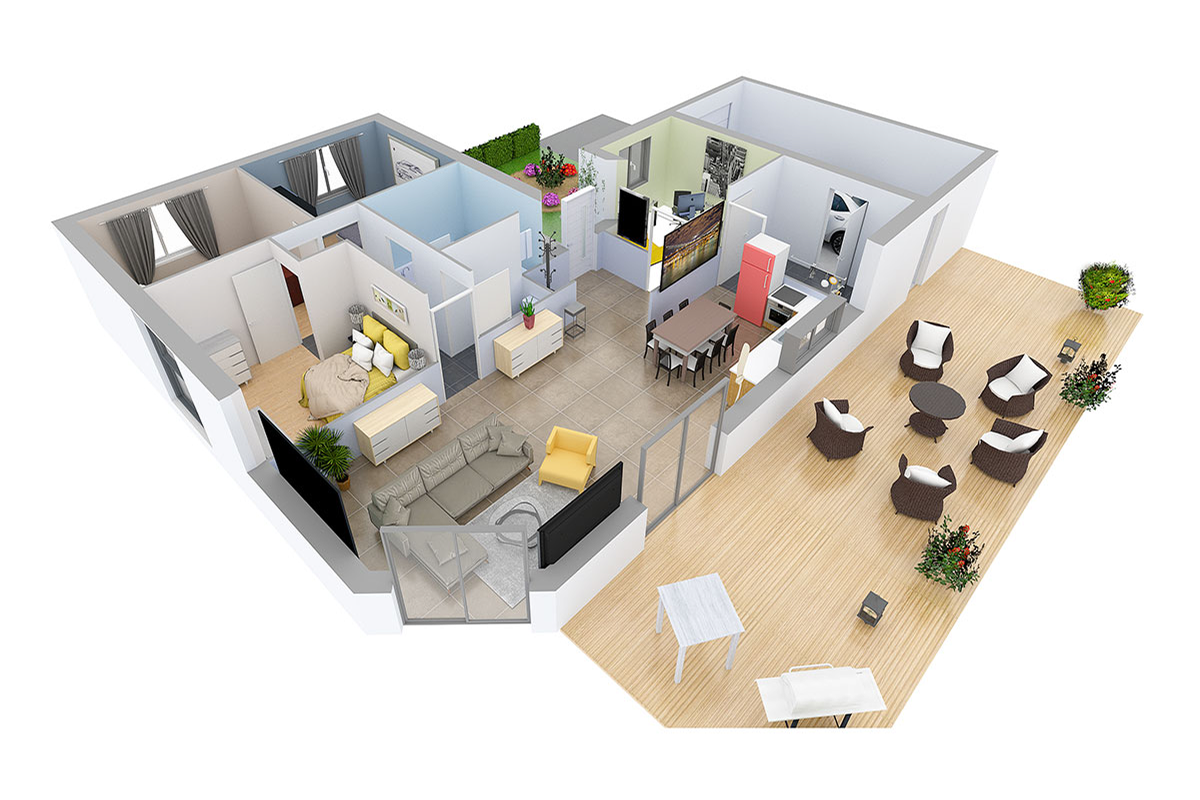
Space Designer 3D Turns 16: A Look Back at Its 5 Versions
In May 2026, Space Designer 3D turns 16. A look back at how the platform evolved, from the first room ever drawn in a web browser in 2010 to today's multi-device, AI-augmented edition.

AI-Powered Workspace Design: Smarter Office Layouts
AI is changing how offices are designed and managed. Here is a practical look at the tools and methods reshaping workspace planning, and how to test layouts before committing to them.
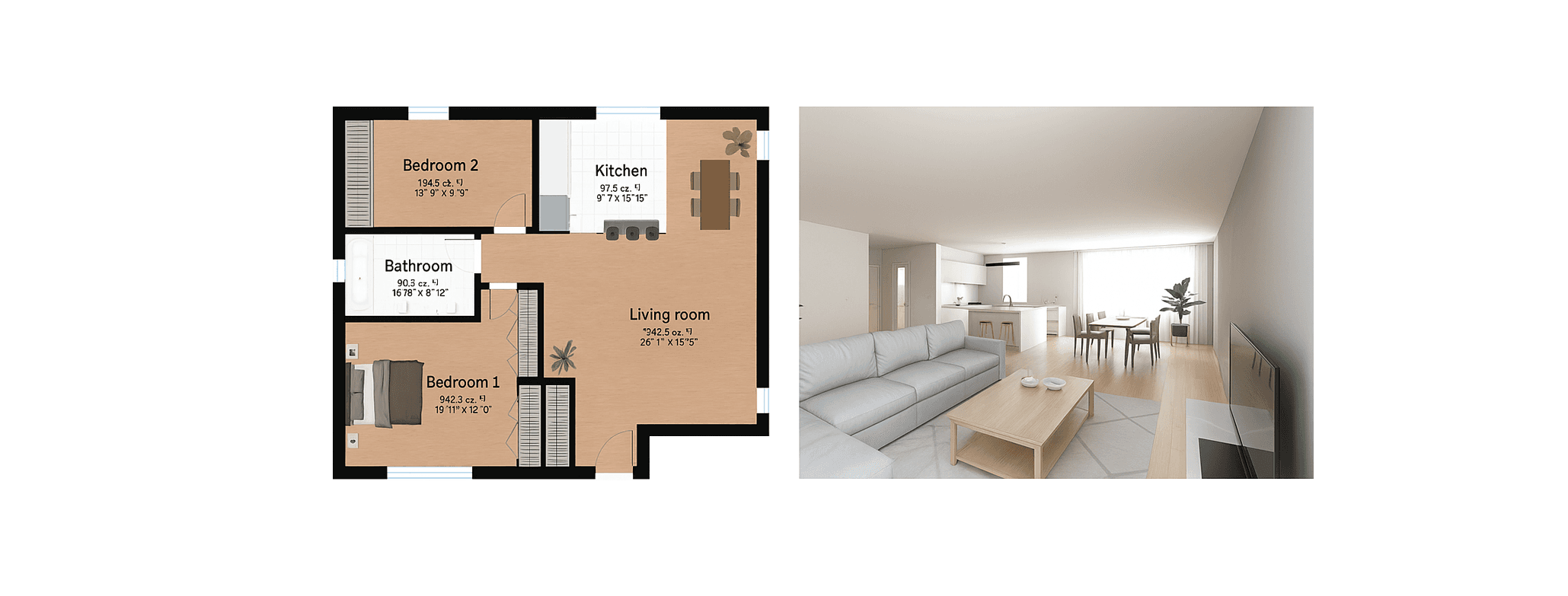
Best Floor Plan Software in 2026: 7 Tools Compared
Looking for the best online floor plan software? We compared 7 tools side by side: features, pricing, 3D quality, and ease of use. Find the right one for your project.
Design Your Floor Plan in 3D
Join 6M+ users. Draw floor plans, furnish rooms, and visualize them in 3D directly in your browser.