Comments
A comment is a line of text kept on one thing in the project: this wall, that window, this chair. It belongs to the object, so it travels with it, and it is not drawn on the plan.
Select something and press the comment button at the foot of its property panel. Almost every panel has one.
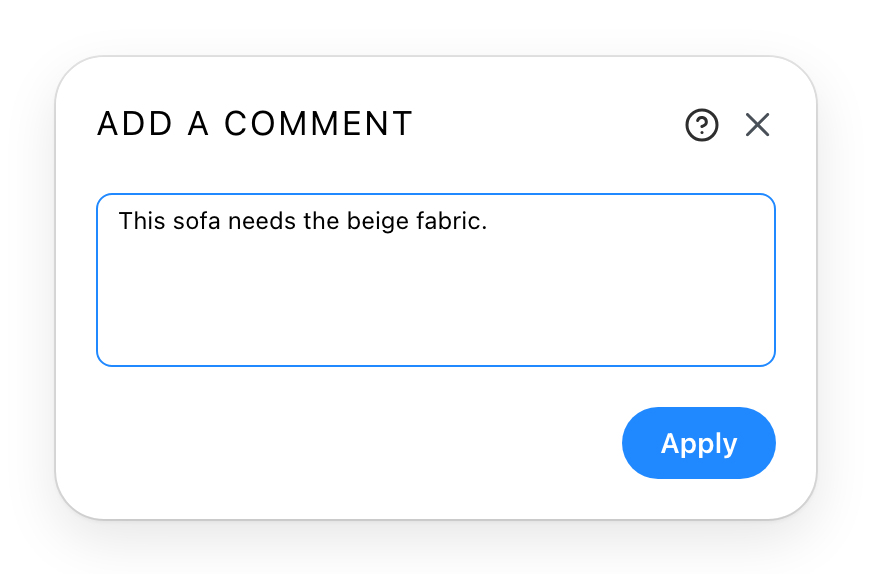
Type, then Apply. The panel's button changes once there is something to read, which is how you tell at a glance that an object carries a comment.
Where they come back out
Comments left on walls are collected into the project report, each with the level it is on and the height of the wall it belongs to. That is what makes them worth using rather than keeping notes elsewhere: a remark written where the decision is, read back afterwards in a list.
The same report also lists the comments of rooms, zones, pathways, process steps and arrows, and of objects and their security volumes. Comments on anything else stay where you left them, for whoever opens the project next.
An empty comment removes the one that was there.
See also
- Materials is often what a comment is about, and the place to make the change the comment is asking for.