Matterport
Space Designer can read a scan from your Matterport account and turn it into a project: the floors, the rooms, and the measurements that come with them. Open the Matterport Importer tab from the rail.
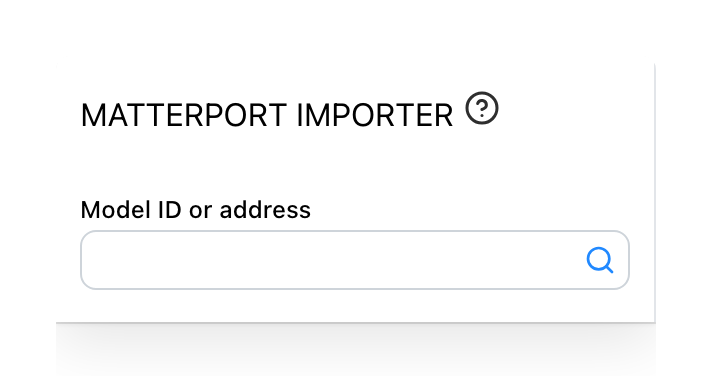
The single field, Model ID or address, takes two different things, and it decides which by looking at what you typed.
A model ID is the eleven-character code Matterport gives every scan, something like
dv7JroJs5sY. Type one and the import starts at once, with no list in between.
Anything else is treated as a search: a name, an address, a fragment of either. The matching scans on your account come back as a list, and you pick one from it.
Only active scans can be imported. An archived one still answers to its ID with a name, but it carries no geometry, so there is nothing to build from and the tab says so.
After the import you are told what arrived: how many floors, how many rooms, the floor area, the indoor area and the volume. Those numbers come from Matterport's own measurement, which is the quickest way to check the scan is the building you meant.
See also
- Levels is where the floors that arrived can be renamed or resized.
- Area Calculation measures the rooms against your own standard rather than Matterport's.