Roofs
A roof covers the rooms of the level BELOW it. That one sentence is the whole of what this dialog is about: draw a roof on the level your rooms are on and it sits inside the building instead of over it.
Roof and Automatic Roof are under Architectural Elements, in the drawing tools menu of the control bar and in the Drawing Tools panel. When you reach for a roof while standing on a level that has rooms, Space Designer stops and asks.
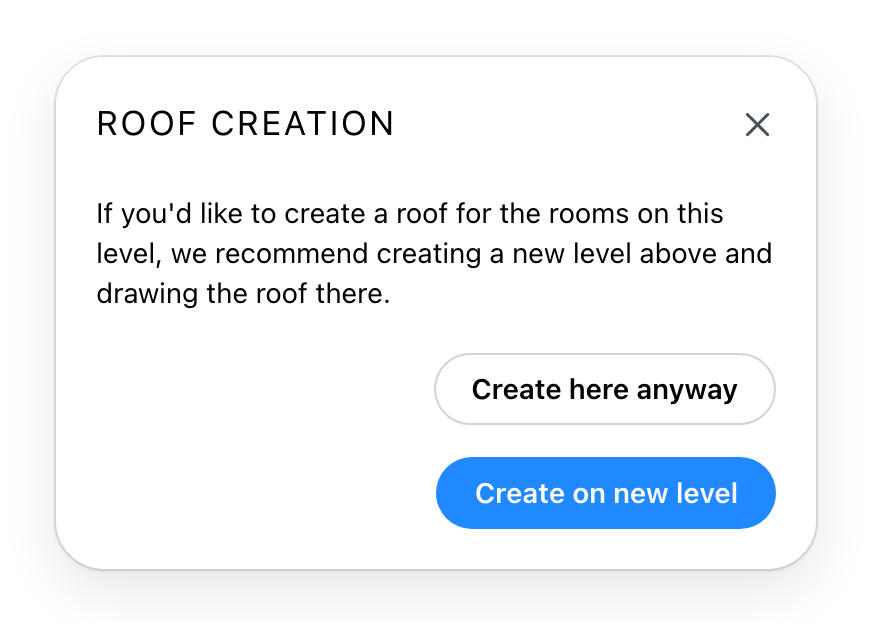
Create on new level is the recommendation, and it is right almost every time. It takes you up one floor and draws the level you just left underneath as a guide, so you can trace the roof over the walls it has to cover. Where there is no floor above, it makes one first on top of the building, called Roof.
Create here anyway puts the roof on the level you are standing on. It is offered because it is occasionally what you want: a canopy over a terrace, a porch roof, anything that belongs to this storey rather than capping it.
When there is no floor above and your plan allows no more levels, the dialog says so and offers neither button, for the roof tool and for the automatic roof alike.
The dialog does not appear when there is nothing to warn you about. Standing on a level with no rooms, above your rooms, is already the right place, so the roof is simply drawn.
The automatic roof
The automatic roof reads the rooms of the level below and builds a roof to fit them, on the level you are on. Only rooms that show a ceiling count. In the Drawing Tools it is active when this level or the one below has rooms. Without rooms on either it is greyed, and still clickable: it explains what it needs.
Started from a level that has rooms, it asks with the same dialog. Create here anyway is only offered when the level below has rooms too. Create on new level moves you up, but the roof is still built from the rooms of the level below the one you started on. Started from a level with no rooms and none below, it has nothing to work from and says so.
See also
- Drawing Tools holds both the roof tool and the automatic roof.
- Levels is where the level this dialog offers to make can be renamed or resized.