Versions
A project can hold several versions, made to try other layouts. They stay available: the version menu, beside the level, shows the name of the open version and lets you pick another. The menu only appears on a project that has several versions. New versions can no longer be created.
Open Edit, the last line of the menu, to manage the versions.
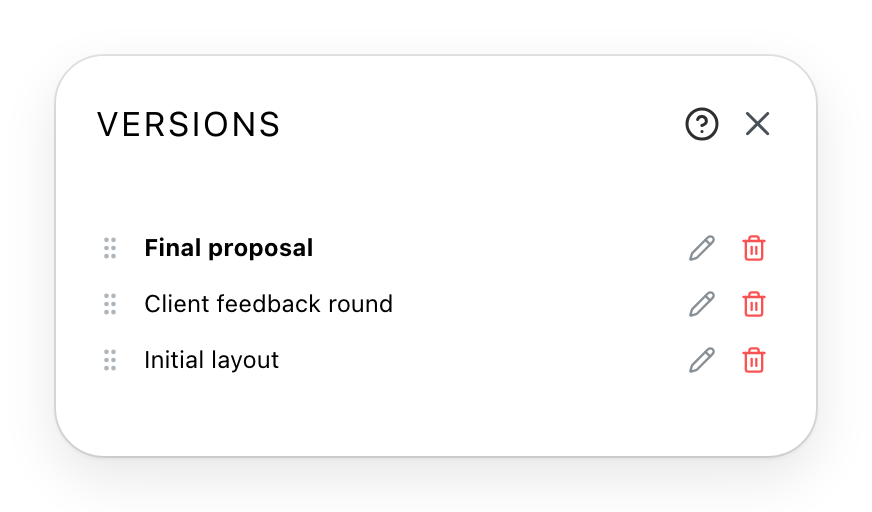
The open version is in bold. The pencil renames a version: type its name, then confirm with the checkmark or the Enter key. The bin deletes a version, after confirmation; the project always keeps at least one version. The handle on the left changes the order of the versions in the menu.
A project reopens on the version that was open when it was last saved.
See also
- Share Your Project sends the version you have open.