Virtual keyboard
A tablet has no Shift, Esc, Ctrl or Alt key, and some tools use them. The virtual
keyboard puts them on the screen.
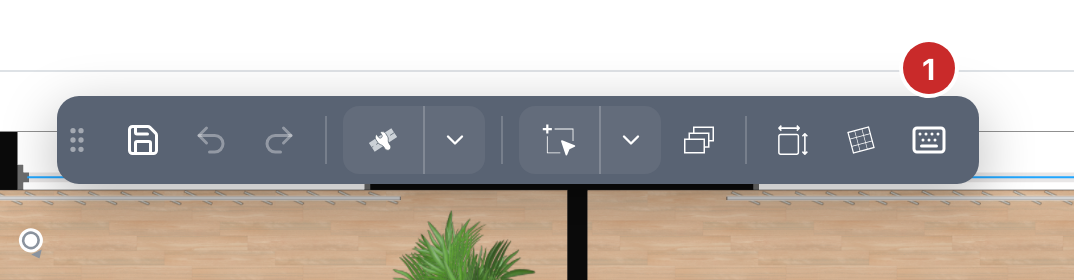
- Virtual keyboard. Opens and closes the keyboard. The button stays pressed while the keyboard is open.
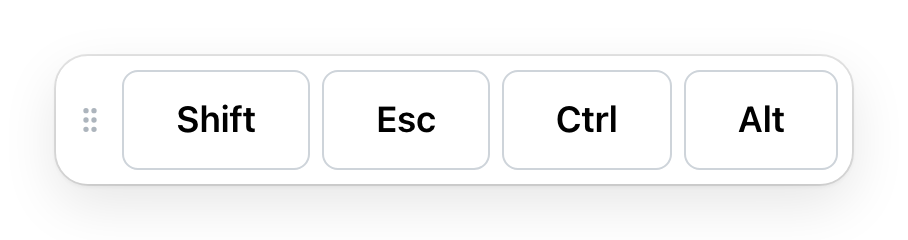
A key is down while your finger is on it and up when you lift it: keep one finger on a key while the other hand draws. Sliding off the key does not release it.
- Shift: turns magnetic snapping off, to place a point exactly where you touch.
- Esc: leaves the tool in progress, or puts down the brush of the Materials tab. It lights up when it has something to leave.
- Ctrl: while drawing a wall, changes which side of it its axis runs: centre, inside, outside.
- Alt: draws a wall as a rectangle rather than segment by segment.
The keyboard moves by its grip, left of the keys. It rests at the bottom of the screen, beside the open tab.
See also
- Drawing Tools, the tools these keys go with.
- The Materials tab, whose brush
Escputs down.