Import an IFC or SDXF file
The project starts from a building drawn elsewhere, in an IFC or SDXF file. The method depends on your site and your plan.
-
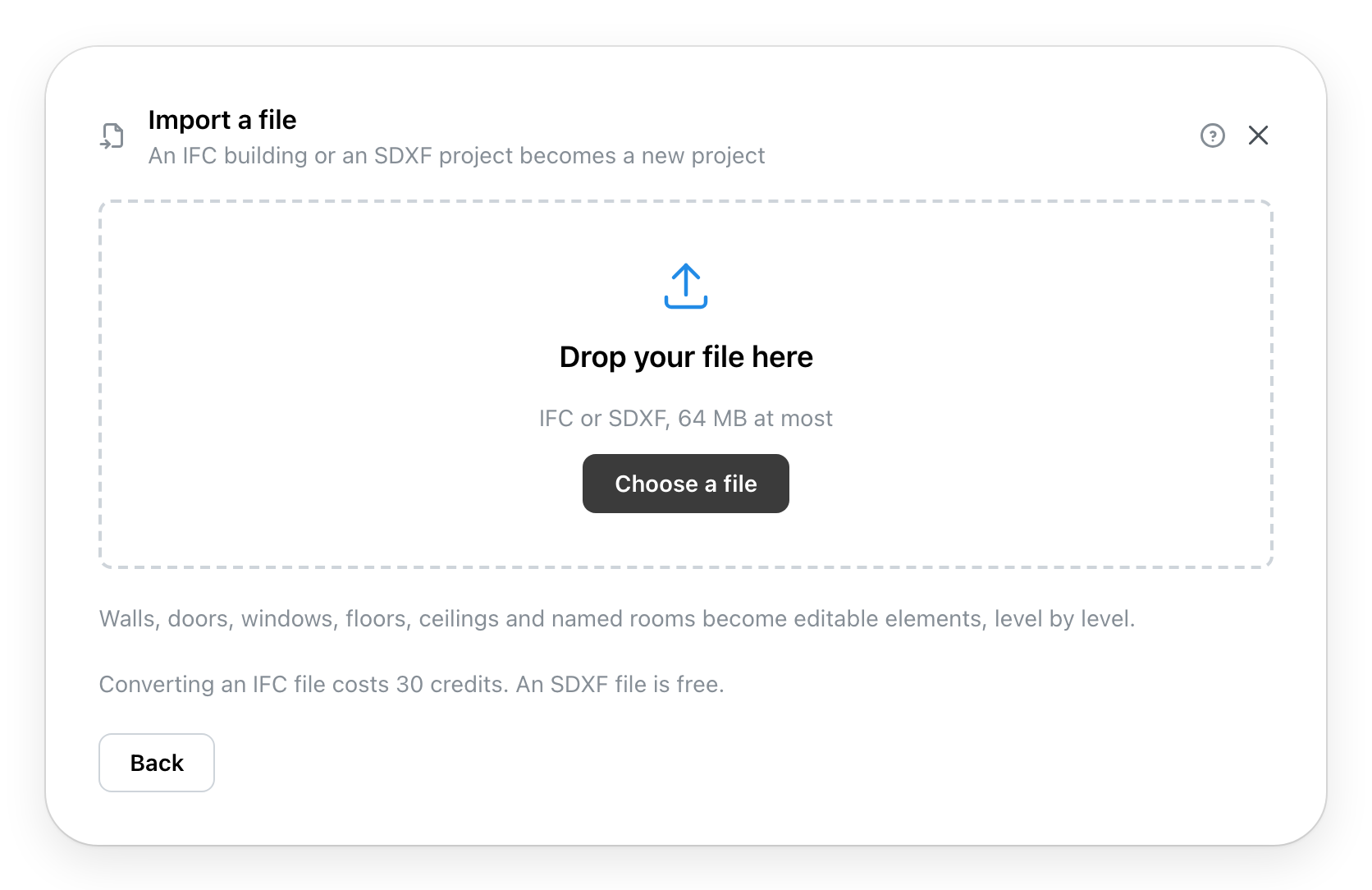
Import an IFC or SDXF file asks for the file:
Drop it in the frame, or Choose a file. It is 64 MB at most. Converting an IFC costs credits, the price is written under the frame; an SDXF is free.
-
The window reads the file, converts the IFC, then draws the project. A large building takes a few minutes; Cancel stops the import.
-
The result:
- The building is ready: the number of levels, rooms, doors and windows. Next continues.
- With problems: the list of what could not be drawn, to Download the list. The project will be created with everything else; these points are taken up in the editor.
- This file cannot be imported: the reason is written, no project is created. Choose another file starts again.
-
The project's information (Page unavailable): the title is the file's, to change if you like. The units are the file's.
-
Depending on the chosen provider, Details. An import has no Location step.
-
Create Project opens the building in the editor. Walls, doors, windows, floors, ceilings and named rooms are editable elements there, level by level.