Use a Ready‑Made Layout
The project starts from a furnished layout, which you then adapt. It is the recommended method to start quickly.
-
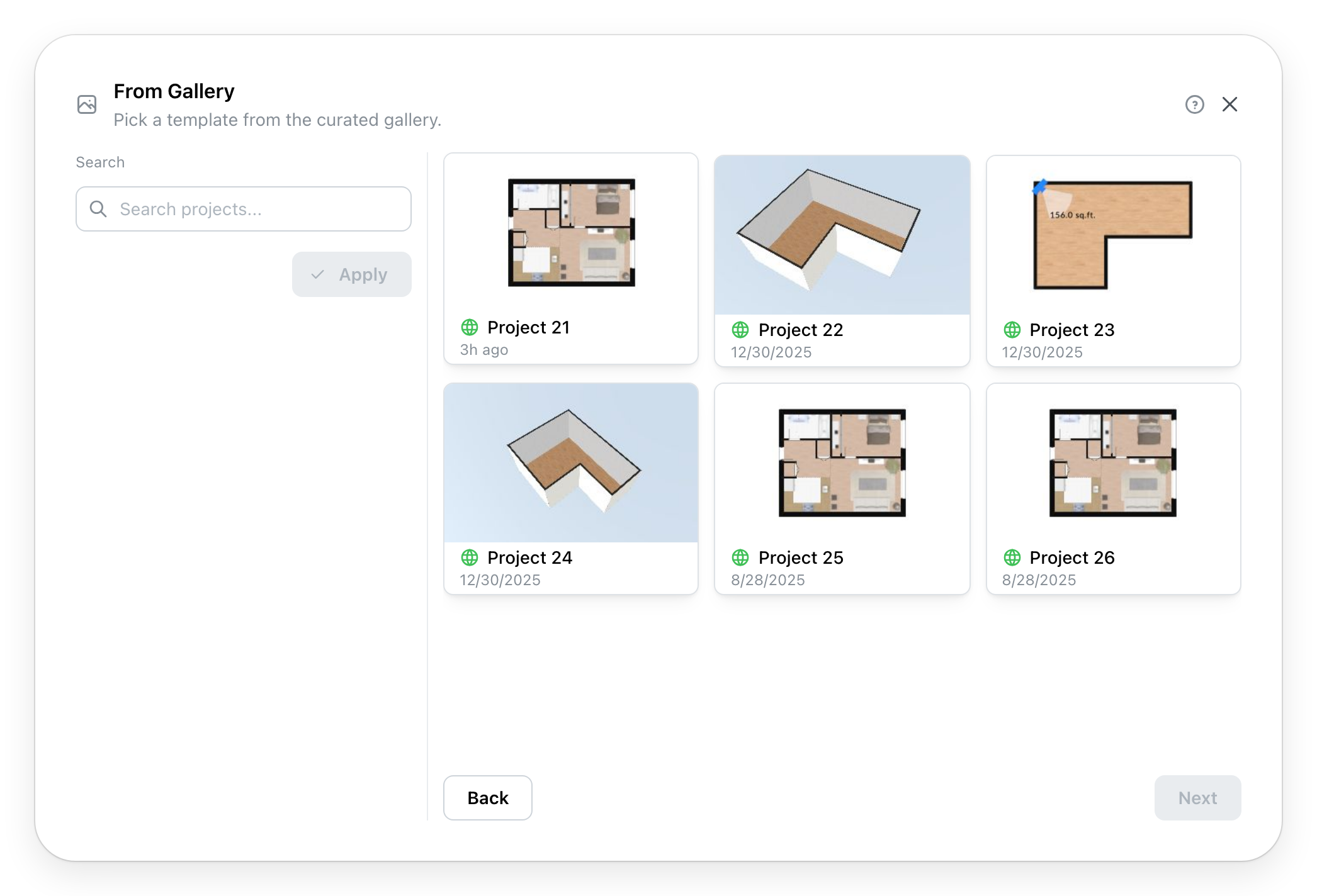
Use a Ready‑Made Layout opens your site's gallery of layouts:
Search, on the left, finds a layout by its name or description. Depending on the gallery, filters follow below it: tags, rooms, area. Apply updates the list.
-
Click a layout to choose it, then Next.
-
The project's information (Page unavailable): title, units, details. If the layout belongs to a provider, that provider is already chosen.
-
Location, then, depending on the provider, Details.
-
Create Project copies the layout into your new project and opens it in the editor. The gallery's layout does not change.
Depending on your site, Partner gallery replaces or adds to this method: the layouts come from the site's partners, and a choice on the left filters by partner. The next steps are the same.