Create Room by Dimensions
The project starts from a room drawn to your measurements: its walls are in place when the editor opens.
-
Create Room by Dimensions goes to the project's information (Page unavailable). The Units chosen there are those of the measurements: centimetres, or feet and inches.
-
Location, then Next.
-
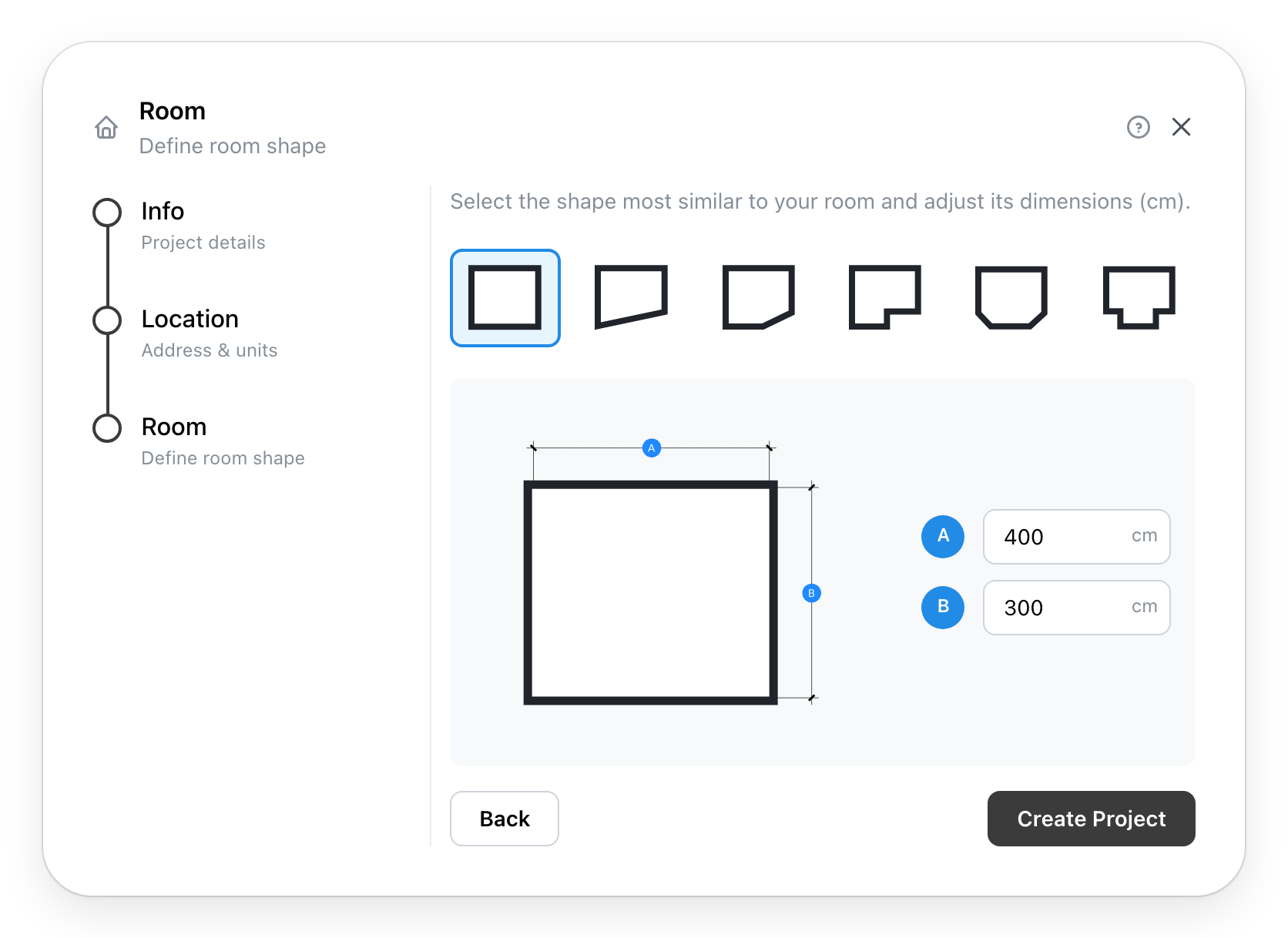
Room offers six shapes:
Choose the one closest to your room: rectangle, trapezoid, cut corner, L-shape, two cut corners, T-shape. Its drawing names each side with a letter; type the length of each one next to its letter. Each shape comes with common measurements, to replace with yours.
-
Depending on the chosen provider, Details.
-
Create Project opens the room in the editor, where everything can be changed afterwards.