Team Templates
In a team, the team leader prepares layouts for every member. The Team Templates method appears when your account belongs to a team.
-
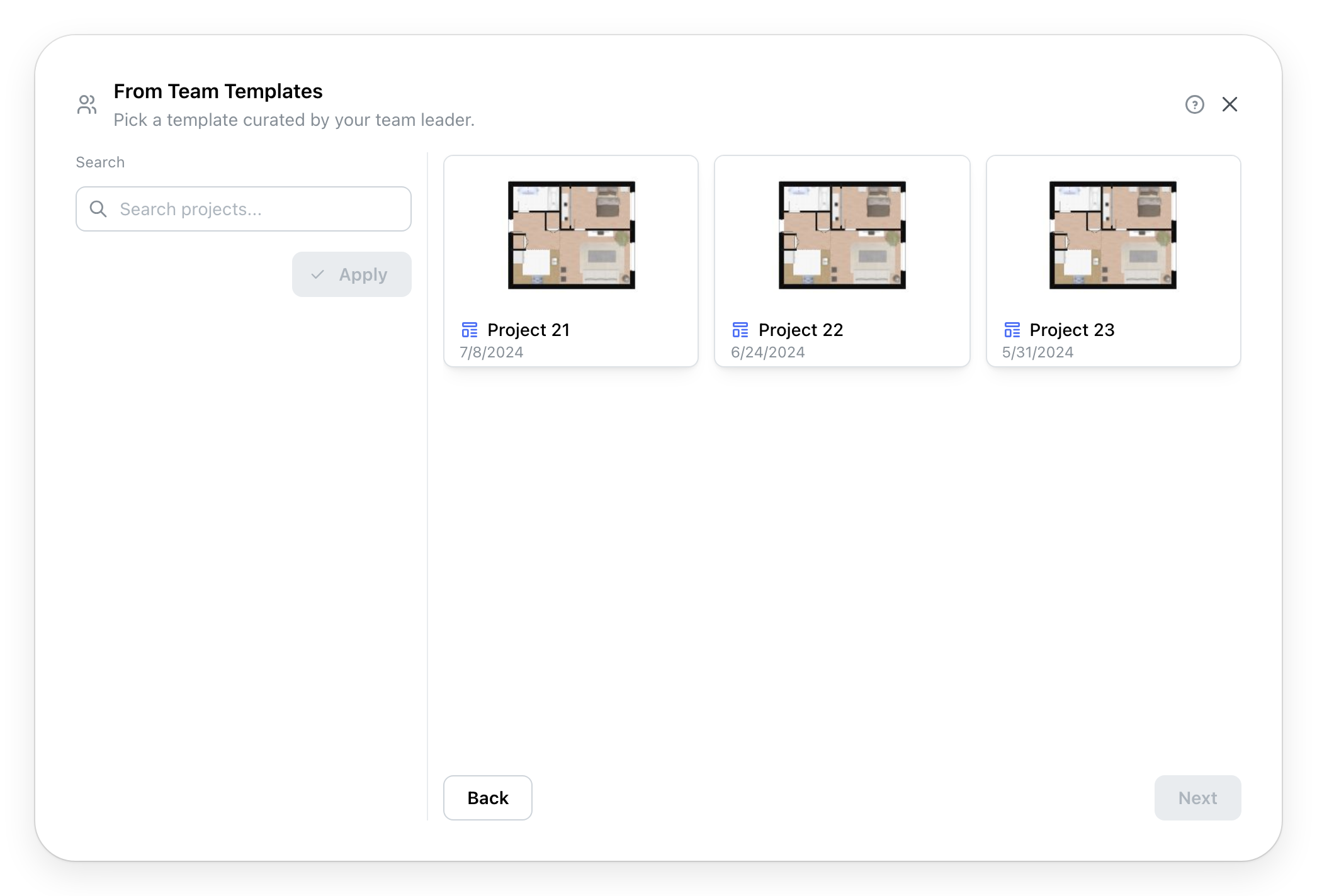
Team Templates opens your team's templates:
Search, on the left, finds a template by its name.
-
Click a template to choose it, then Next.
-
The project's information (Page unavailable), Location, then, depending on the chosen provider, Details.
-
Create Project copies the template into your new project and opens it in the editor. The team's template does not change.
Are you the team leader? One of your projects becomes a template through its Template visibility, at creation or in Project information, from the project menu (Page unavailable).