VR Export
VR export builds a copy of the project that a headset can open, through the companion app. It is a different thing from a shared link: the link opens a browser, this opens the project around you.
Starting it
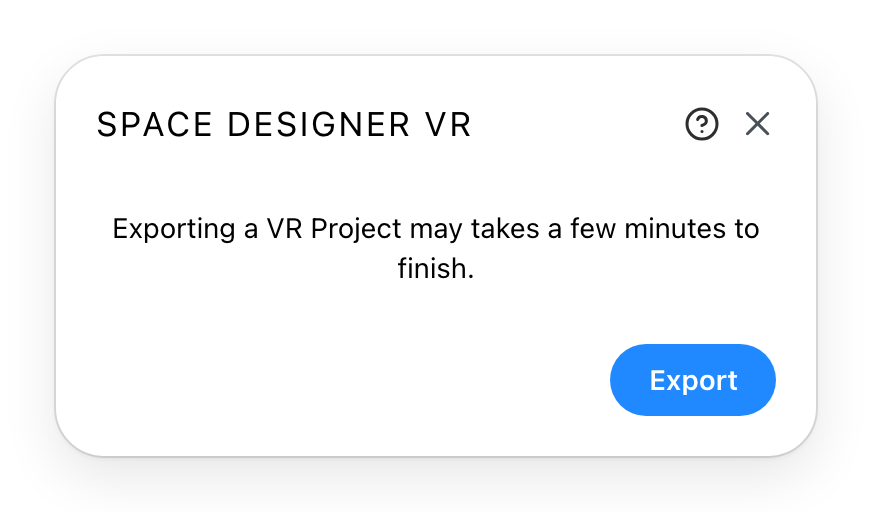
In the Export tab, choose Export VR, signed in on your own project, then press Export, and Export again in the dialog. The project is sent to the render server, which builds the VR package; a message says it has started, and it takes a few minutes on anything larger than a flat. You can carry on working meanwhile: the export joins the list in the tab, with an hourglass until it is ready and a warning sign if it failed. The cross beside an export removes it, after a confirmation.
The export takes the project as it stands, in the version you have open, with every level and the scene's sky, and it opens in walkthrough. So place your Viewpoints before exporting rather than after.
Getting it into the headset
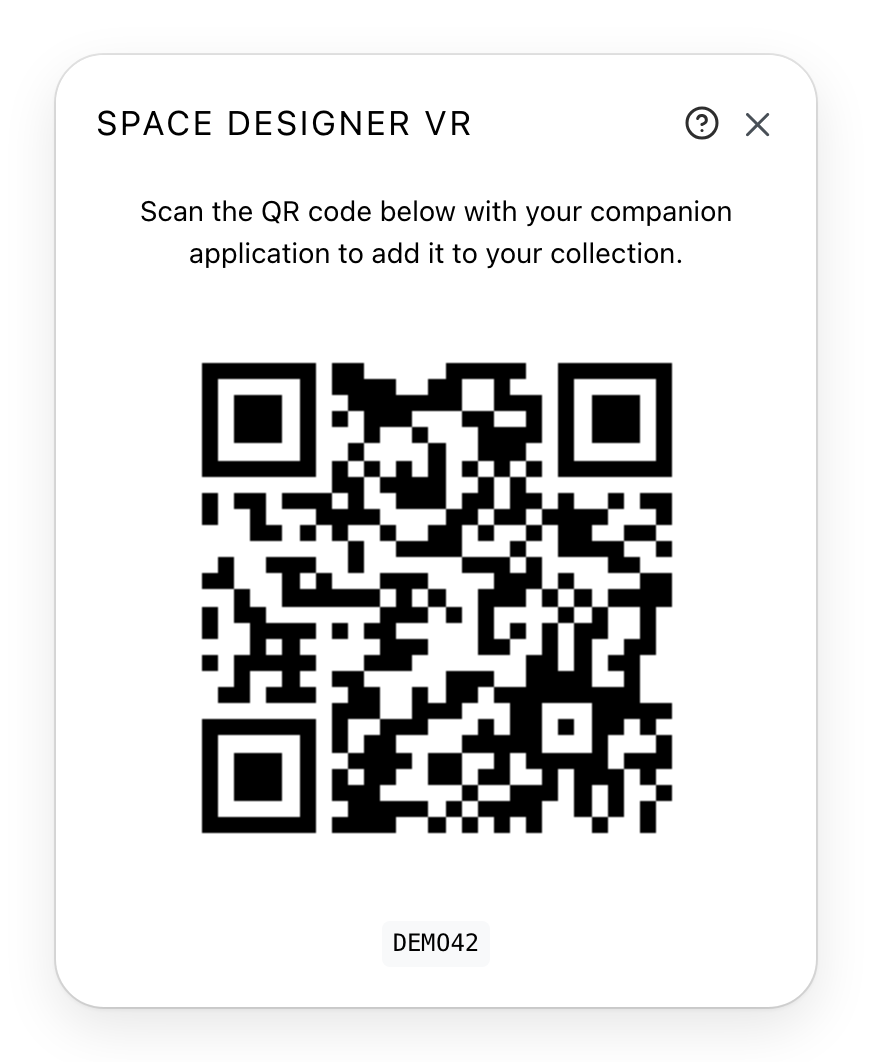
Click a finished export in the list to show its code. Scan the square with the companion app on the phone or the headset and the project joins the collection there.
The short code underneath does the same job by hand. Type it into the companion app when the headset has no camera to scan with, or when the screen you are looking at is not the screen holding the headset.
An export is a snapshot. Carry on editing and the headset keeps the copy it was given, so export again once the changes matter.
See also
- Viewpoints are what the headset walks between.
- Share Your Project is the browser way, with no app to install.