3D-möbelbibliotek
Bläddra i ett 3D-bibliotek med tusentals möbler, inredning och dekor. Dra dem in i din planritning, anpassa material och se allt direkt i 3D. Gratisplan, utan installation.
Från soffan till köksön är varje stol, bord, inredning och dekorobjekt du behöver för att möblera en planritning ett klick bort. Space Designer 3D-möbelbiblioteket innehåller tusentals 3D-objekt, organiserade efter rum och kategori, med korrekta verkliga dimensioner. Dra valfritt objekt in i din 2D-plan-vy, se det dyka upp i 3D och anpassa färger eller material för att matcha din vision.
Biblioteket vid en blick
| Rum eller kategori | Exempelobjekt |
|---|---|
| Vardagsrum | Soffor, fåtöljer, soffbord, TV-bänkar, bokhyllor, mattor |
| Sovrum | Sängar, nattduksbord, byråar, garderober, speglar |
| Kök | Skåp, bänkskivor, diskbänkar, vitvaror, öar, barstolar |
| Badrum | Tvättställ, duschar, badkar, toaletter, speglar, handdukshängare |
| Matsal | Bord, stolar, skänkar, belysning |
| Kontor | Skrivbord, kontorsstolar, hyllor, arkivskåp |
| Utomhus | Trädgårdsmöbler, krukor, grillar, trädgårdsbord |
| Dekor | Lampor, konst, kuddar, vaser, växter |
| Arkitektoniskt | Trappor, kolumner, räcken, eldstäder |
Nya objekt läggs till regelbundet, baserat på designtrender och användarförfrågningar.
Dra, släpp, anpassa
Placera ett biblioteksobjekt i ditt projekt i tre steg:
- Öppna bibliotekspanelen och filtrera efter kategori, rum eller nyckelord.
- Dra objektet in i din 2D-plan-vy.
- Objektet visas i exakt skala. Ändra storlek, rotera eller byt material.
Samma objekt visas i båda vyerna: som skalad ovansidesymbol i 2D-plan, och som detaljerad 3D-modell i 3D-modellvyn. Varje ändring i en vy återspeglas i den andra i realtid.
Verkliga dimensioner, live i 2D och 3D
Varje objekt har korrekta mått. Placera en kingsize-säng och se om den passar med två nattduksbord. Placera matsalsbordet och mät gångavståndet till köksön. Skala om en soffa för att matcha en specifik referens, och de nya dimensionerna uppdaterar rumsareaberäkningen.
Material kan bytas på objekt som stöder anpassning: tygfärger, träfinish, bänkskivematerial, färgkoder. Förändringen tillämpas live i båda vyerna.
Prova 3D-möbelbiblioteket gratis
Anpassade produktbibliotek för företag
På Business- och Enterprise-planer kan företag ladda upp sina egna 3D-produktmodeller till ett privat bibliotek. Space Designer 3D blir ett branded designverktyg som dina kunder använder för att planera med dina riktiga produkter.
Möbelhandlare låter kunder designa rum med sina riktiga produktlinjer. Kunden lämnar med en design de älskar. Handlaren får en artikelspecifikation, redo att hantera.
Köksmonterare erbjuder ett planeringsverktyg med sina skåplinjer, vitvaror och bänkskivor. Kunder visualiserar sitt köksprojekt hemma, och varumärket fångar leaden med den exakta produktlistan.
Badrumsvarumärken tillåter specifikation av kranar, tvättställ och tillbehör i sammanhang, så att kunder ser hur en vald kran passar med det valda tvättstället innan beställning.
Golv- och kakelföretag visar sina material i riktiga rumsinstallationer, med ytan beräknad automatiskt från placeringen.
Det anpassade biblioteket är privat för företaget, integrerat med hela Space Designer 3D-editorn, och kan kombineras med embed iframe för direkt integration på din egen webbplats.
Vanliga frågor
Hur många objekt innehåller 3D-möbelbiblioteket?
Biblioteket innehåller tusentals objekt i alla huvudsakliga rumskategorier: vardagsrum, sovrum, kök, badrum, kontor, utomhus, matsal, dekor och arkitektoniska element. Nya objekt läggs till regelbundet.
Kan jag ändra färg eller material på ett möbel?
Ja. Många objekt stöder live materialväxling: tygfärger, träfinish, bänkskivematerial, färgkoder, kakelmönster. Förändringen återspeglas omedelbart i både 2D-plan-vyn och 3D-modellvyn.
Är dimensionerna på biblioteksobjekt korrekta?
Ja. Varje objekt har verkliga dimensioner inbakade. Sängen markerad "King 180x200" är exakt den storleken i din planritning. Rumsareaberäkningar och gångavstånd baseras på dessa verkliga mått.
Kan jag ladda upp mina egna 3D-möbelmodeller?
Ja, på Business- och Enterprise-planer. Företag kan ladda upp sina egna 3D-produktmodeller i standardformat och bygga ett privat branded bibliotek. Användbart för möbelhandlare, köksmonterare, badrumsvarumärken och golvföretag. Upptäck Business-planen.
Vilket 3D-format använder biblioteket för objekt?
Objekt lagras i optimerade 3D-format designade för att renderas snabbt i webbläsaren. När du exporterar ditt projekt buntas objekten: som 3D-modeller i GLTF, som 2D-symboler i DXF och SVG, som renderade visuella element i PNG och PDF.
Kan jag söka i biblioteket med nyckelord?
Ja. Bibliotekspanelen stöder sökning med nyckelord, filtrering efter kategori eller rum, och sortering efter relevans. Användbart när du behöver en specifik bit som "runt matsalsbord 120cm" eller "L-formad soffa för litet vardagsrum".
Kan jag ändra storlek på ett biblioteksobjekt till en anpassad dimension?
Ja. Även om objekt kommer med standardmässiga verkliga dimensioner kan du åsidosätta dem för att matcha en specifik referens. Rumsareaberäkningen uppdateras därefter.
Kan jag spara ett kuraterat urval av objekt för ett projekt?
Projektobjekt sparas per projekt, så du håller koll på vad du har placerat. Hela biblioteket förblir tillgängligt mellan projekt. På Business-planer kan anpassade bibliotek scopeas per team eller per kund.
Kan jag integrera biblioteksval med mitt eget ERP eller produktsystem?
På Enterprise-planer kan biblioteket synkroniseras med externa produktsystem via Space Designer 3D API. Användbart för möbelhandlare och köksmonterare som vill att deras live SKU-bibliotek ska reflekteras automatiskt. Kontakta oss för att diskutera.
Upptäck fler funktioner
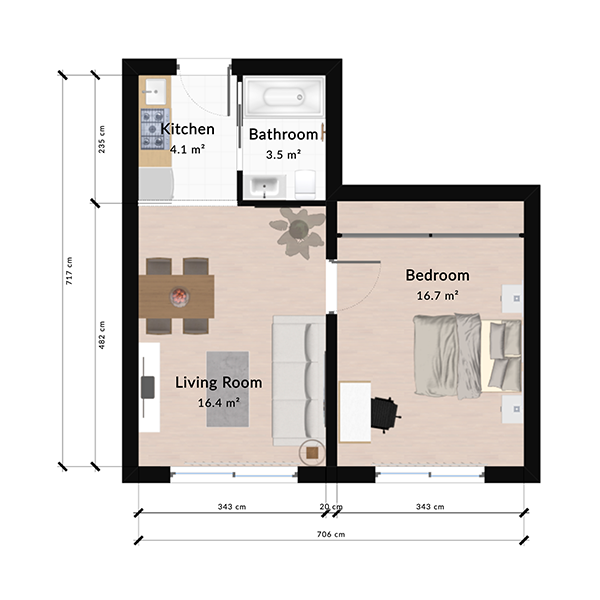
Skapande av 2D-planritningar
Rita exakta 2D-planritningar online med automatiska mått, smart väggjustering och omedelbar 3D-förhandsvisning. Gratisplan, utan installation.
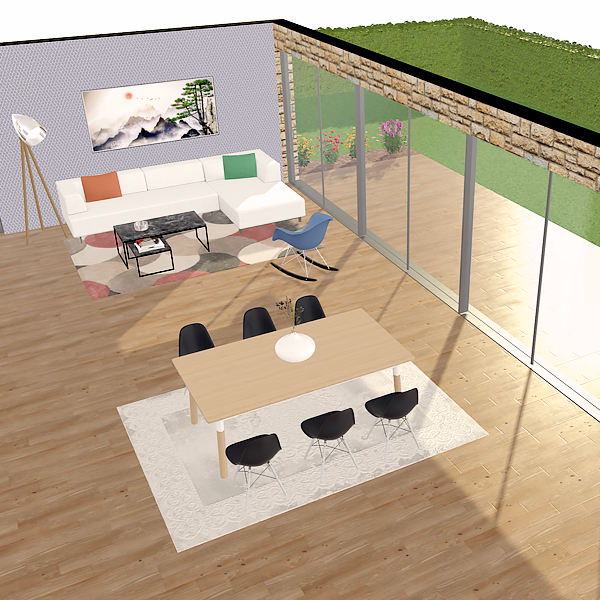
Skapande av 3D-planritningar
Designa dina 3D-planritningar i webbläsaren. Gå genom rummen, testa material och utforska ditt projekt. Gratisplan, utan installation.
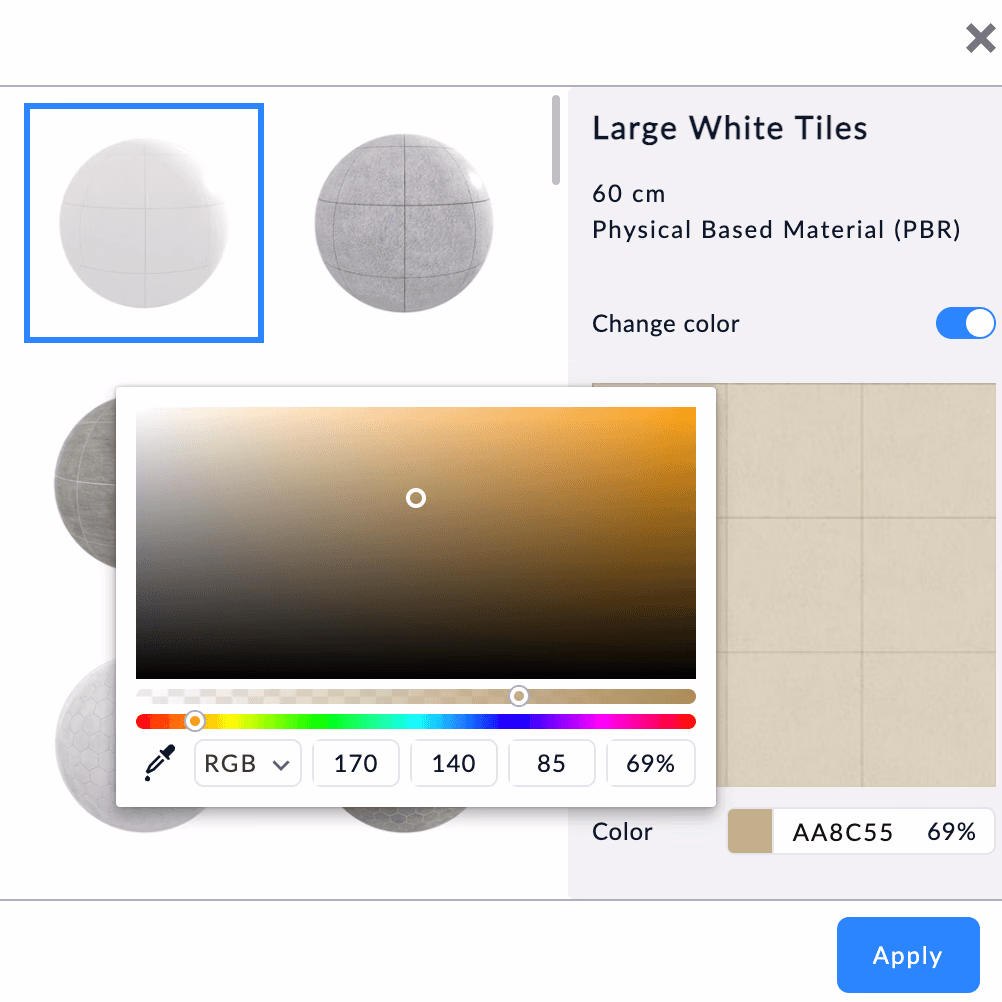
Material och texturer
Redigera material i realtid med fotorealistiska ytor för trä, kakel, färg och tyg. Applicera ytorna på golv, väggar eller tak med ett klick.
Designa din planlösning i 3D
Gå med i över 6 miljoner användare. Rita planlösningar, möblera rum och visualisera dem i 3D direkt i din webbläsare.