Multi-Format Export
Export your floor plans to every format your workflow needs: DXF for AutoCAD, IFC for BIM, GLTF for 3D, PDF for print, PNG for sharing.
Open your floor plan in AutoCAD. Hand it to a BIM specialist working in Revit. Drop the 3D model into Blender or Unity. Print at scale for permit submission. Space Designer 3D exports to six standard formats so your floor plan flows into every workflow without rebuilding.

Space Designer Export Formats
PNG and JPG - High-Resolution Images
PNG and JPG exports capture the 2D Plan view or a 3D camera angle as a sharp image. PNG keeps lines crisp and supports transparency, ideal for floor plans embedded in slides, listings, or marketing materials. JPG produces a smaller file at comparable visual quality, ideal for email attachments and quick previews. Both formats include walls, furniture, measurements, and room labels visible on your canvas at export time.
PDF - Printable Scaled Plan
PDF export generates a vector file at chosen scale (1/50, 1/100, custom), in A4 or A3 paper size, portrait or landscape orientation. The output is print-ready, with accurate dimensions, room areas, and labels. Suitable for renovation permits, contractor briefs, and architectural portfolios. The PDF preserves geometry as vectors, so zooming in keeps everything sharp.
Logo on PDF (Ultimate plan). Add your logo to the title block of PDF exports for branded client deliverables.
DXF - AutoCAD Compatibility
DXF export produces a CAD-compatible vector file readable by AutoCAD, SketchUp, Vectorworks, ARES, and most other CAD tools. Wall geometry, door and window placements, room boundaries, and layers are preserved, with customizable layer names and colors per category (walls, doors, windows, annotations, areas, ceiling elements, and more). Useful for handing a conceptual plan to a CAD professional who finalizes the technical drawing.
IFC - Open BIM Standard
IFC (Industry Foundation Classes) is the open BIM exchange standard. Space Designer 3D exports IFC files compatible with major BIM authoring tools. Walls, openings, levels, and basic semantics are captured so a BIM specialist can develop the model further without rebuilding from scratch.
GLTF and GLB - 3D Models for Web and AR
GLTF (GL Transmission Format) is the modern 3D model standard for web, AR, and game engines. Export your 3D floor plan as GLTF (text-based, separate assets) or as GLB (a single compressed binary file, smaller and faster to load, the default option in the editor). Open in Blender, Cinema 4D, Unity, Unreal Engine, or any web viewer. Useful for integrating in web AR experiences, building game assets from floor plans, or further polishing the model in dedicated 3D software.
All Export Formats at a Glance
| Format | Type | Best for |
|---|---|---|
| PNG | High-resolution image | Sharing, social media, embedding in slides |
| JPG | Compressed image | Email attachments, quick previews, lighter files |
| Printable vector document, scaled | Permits, client presentations, print briefs | |
| DXF | CAD vector file, customizable layers | AutoCAD, SketchUp, Vectorworks, ARES |
| IFC | Open BIM standard | Major BIM authoring tools |
| GLTF / GLB | Modern 3D model (compressed binary option) | Blender, Unity, web AR |
Metric or imperial units. The unit system is set at the project level. PDF dimensions, DXF and IFC export metadata follow the same setting, so receiving software reads consistent units.

Workflow Integration
For CAD professionals. DXF is your entry point. Open the exported file in AutoCAD or SketchUp to add detailed annotations, dimensioning standards, and construction details. The DXF includes layered geometry, so you can lock or hide construction lines as needed.
For BIM specialists. IFC is the canonical exchange. Drop the export into your BIM authoring tool to develop the model with proper families, parametric components, and clash detection. The IFC captures topology, so you spend time on the BIM logic, not on redrawing geometry.
For web and game developers. GLTF is the modern standard. Drop it into a three.js viewer, Unity, or any web AR framework. The model is optimized for real-time rendering, with textures and materials preserved.
For marketers and real estate. PDF (print) and PNG (web) cover most needs. For listings that require interactive 3D, see the shareable 3D link or embed iframe on the rendering page.
Frequently Asked Questions
What formats can I export my floor plan to?
Six formats: PNG and JPG (images), PDF (printable, scaled), DXF (CAD), IFC (BIM), GLTF/GLB (3D model). All generated from your Space Designer 3D project in one click.
Is the DXF export Revit-compatible?
Revit can import DXF, but the canonical BIM exchange is IFC. For full Revit workflows, use the IFC export, which preserves walls, openings, levels, and semantics. DXF in Revit becomes line geometry without BIM data.
What is the difference between DXF and DWG?
DXF (Drawing Exchange Format) is the open CAD exchange standard. DWG (Drawing) is AutoCAD's proprietary native format. Both open in AutoCAD and most professional CAD tools. Space Designer 3D exports to DXF, which AutoCAD, SketchUp, Vectorworks, ARES, and other CAD applications read directly. No conversion to DWG is required for typical CAD workflows.
Can I export my floor plan as IFC for Revit?
Yes. IFC is the open BIM exchange standard recognized by Revit and other major BIM authoring tools. The IFC export from Space Designer 3D carries walls, openings, levels, and basic semantics as a starting point. A BIM specialist takes it from there with proper families, parametric components, and clash detection.
What BIM versions does the IFC export support?
The IFC export targets IFC4 by default, with IFC2x3 as fallback for older BIM tools. Compatible with major BIM authoring tools. Walls, openings, and levels are captured. Furniture is exported as simplified geometry.
Can I export at print scale?
Yes. PDF export supports common architectural scales (1/50, 1/100) and custom scales. The output is ready to print at A4, A3, or any larger format. Dimensions and labels remain accurate at scale.
Can I export a 3D model of my furniture-filled scene?
Yes. GLTF export captures the full 3D model with furniture, materials, and lighting. Open in Blender, Cinema 4D, Unity, or any GLTF-compatible viewer. See our 3D furniture library for the catalog that gets bundled in the export.
Can I export each floor of a multi-level building separately?
Yes. You can export a single level or all levels combined. PDF and PNG can output per-level pages. DXF and IFC export the linked multi-level structure as a single file with all levels.
Are all exports available on the free plan?
Some basic exports (PNG) are available during the free plan. Vector and 3D exports (PDF, DXF, IFC, GLTF/GLB) and advanced rendering exports are unlocked on paid plans. See pricing details.
Can I integrate exports with my own backend?
On Enterprise plans, exports can be automated via API. Useful for furniture retailers, kitchen manufacturers, and real estate platforms that need to generate exports programmatically from each project. Contact us to discuss.
Discover More Features
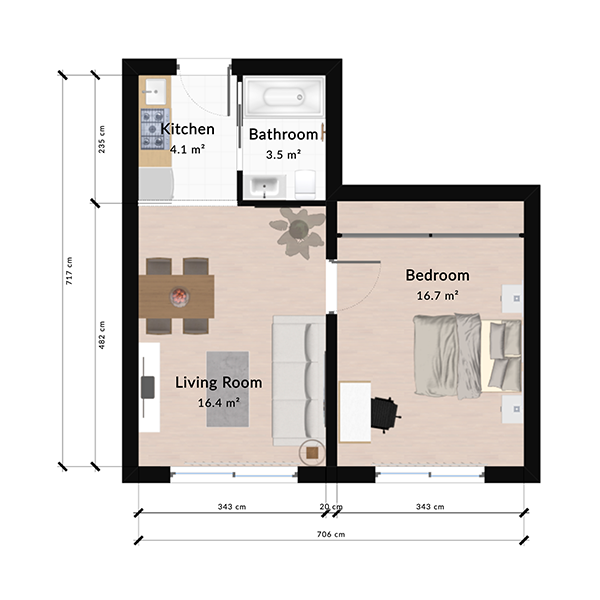
2D Floor Plan Maker
Draw accurate 2D floor plans online with automatic measurements, smart wall snapping, and instant 3D preview. Free plan, no install needed.
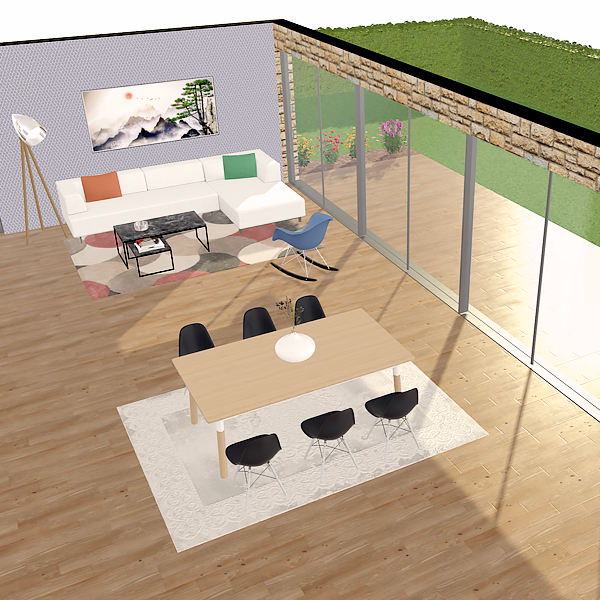
3D Floor Plan Creator
Design 3D floor plans in your browser. Walk through rooms, test materials, and explore your project. Free plan, no install required.
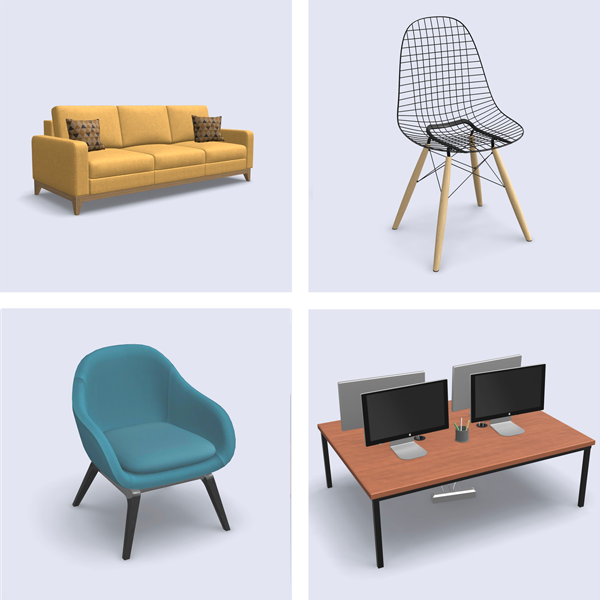
3D Furniture Library
Browse a 3D library of thousands of furniture items, fixtures, and decor. Drag into your floor plan, customize materials, see in 3D instantly. Free plan, no install required.
Design Your Floor Plan in 3D
Join 6M+ users. Draw floor plans, furnish rooms, and visualize them in 3D directly in your browser.